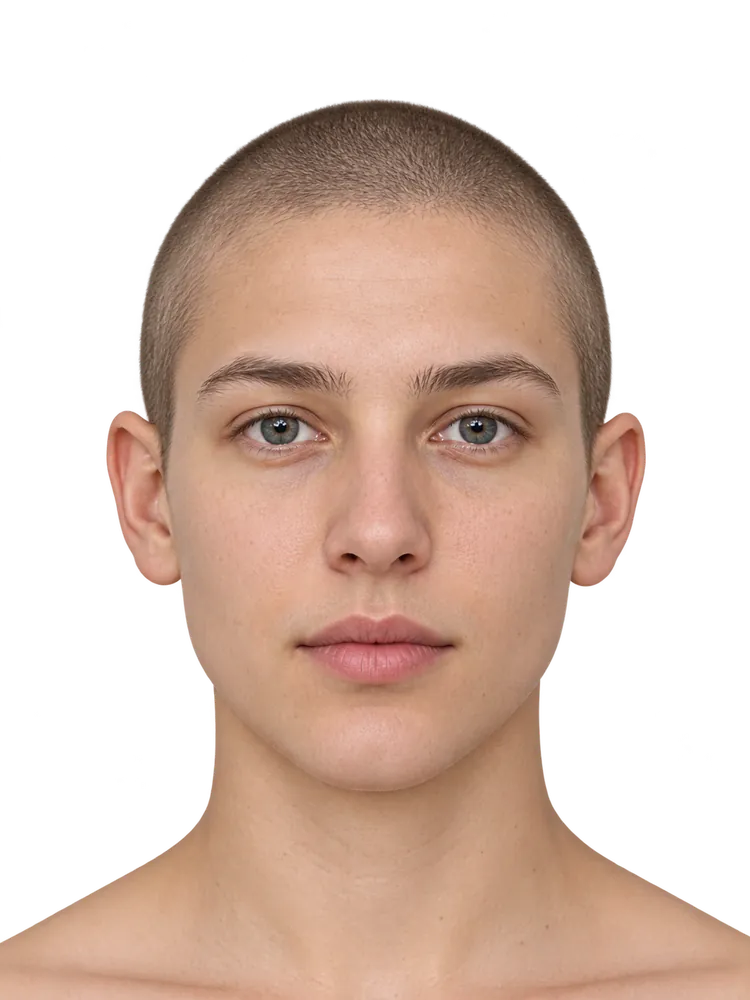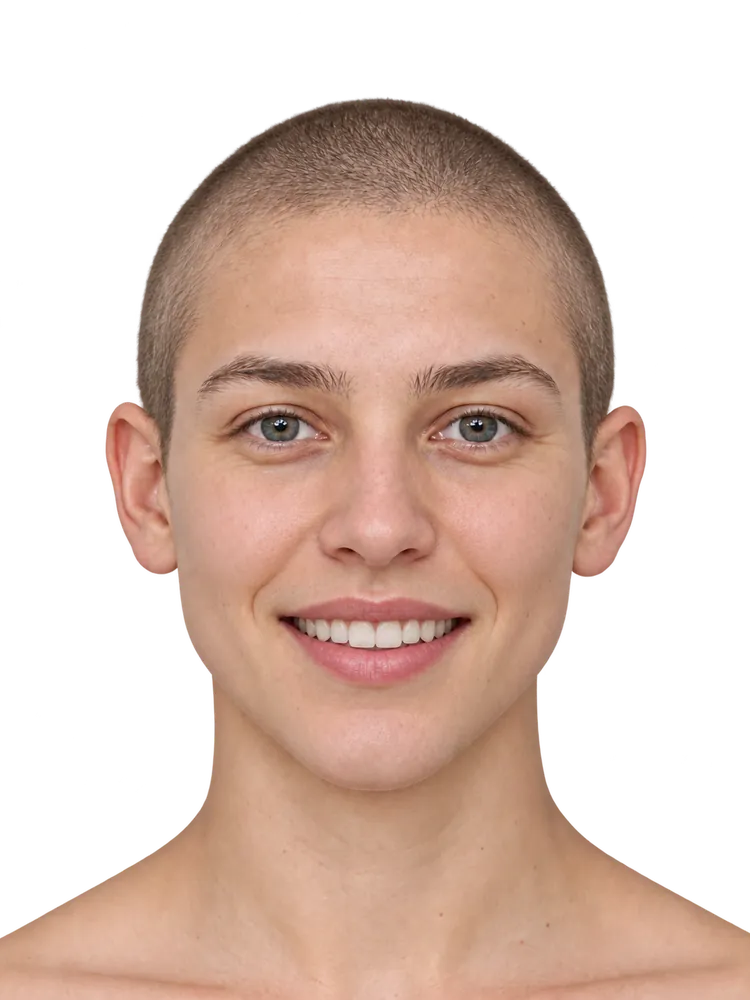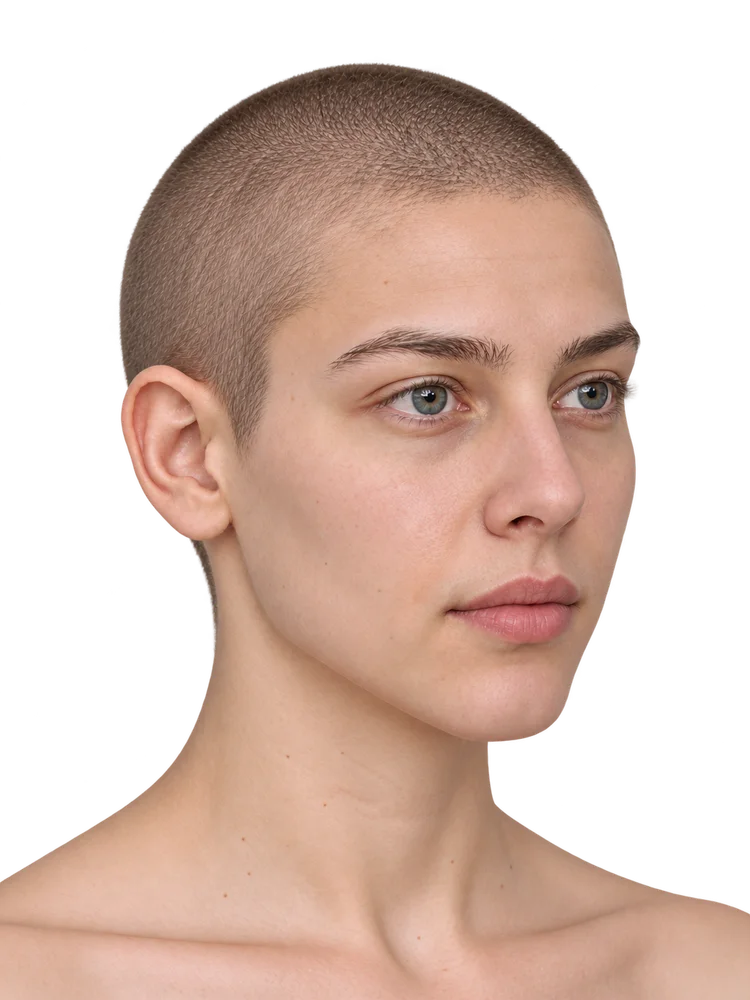
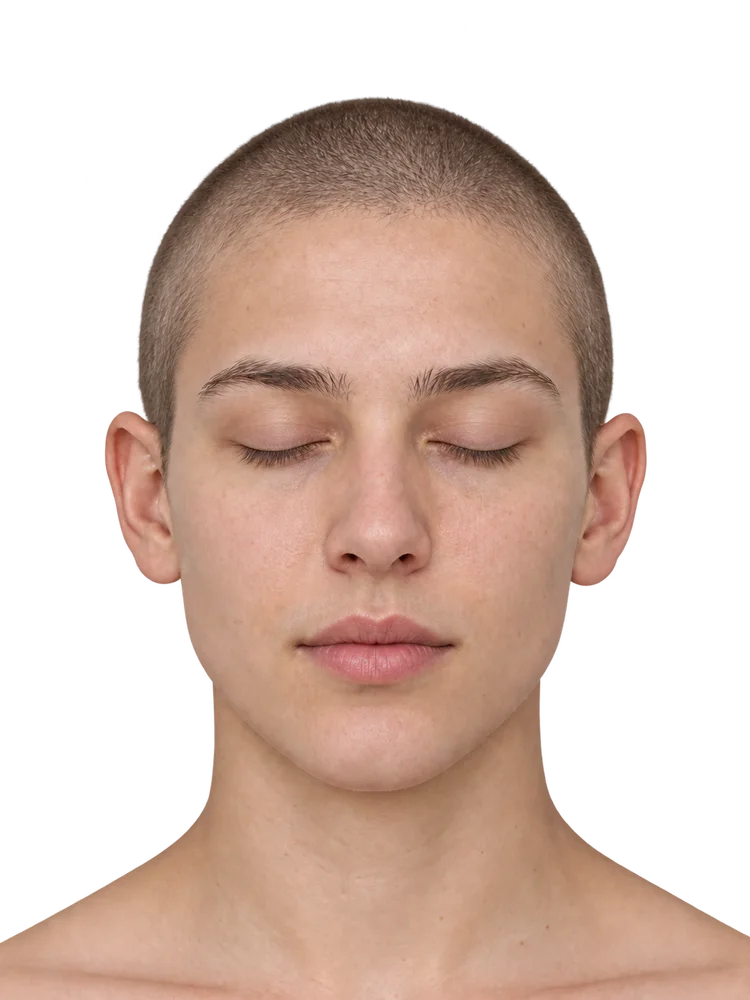
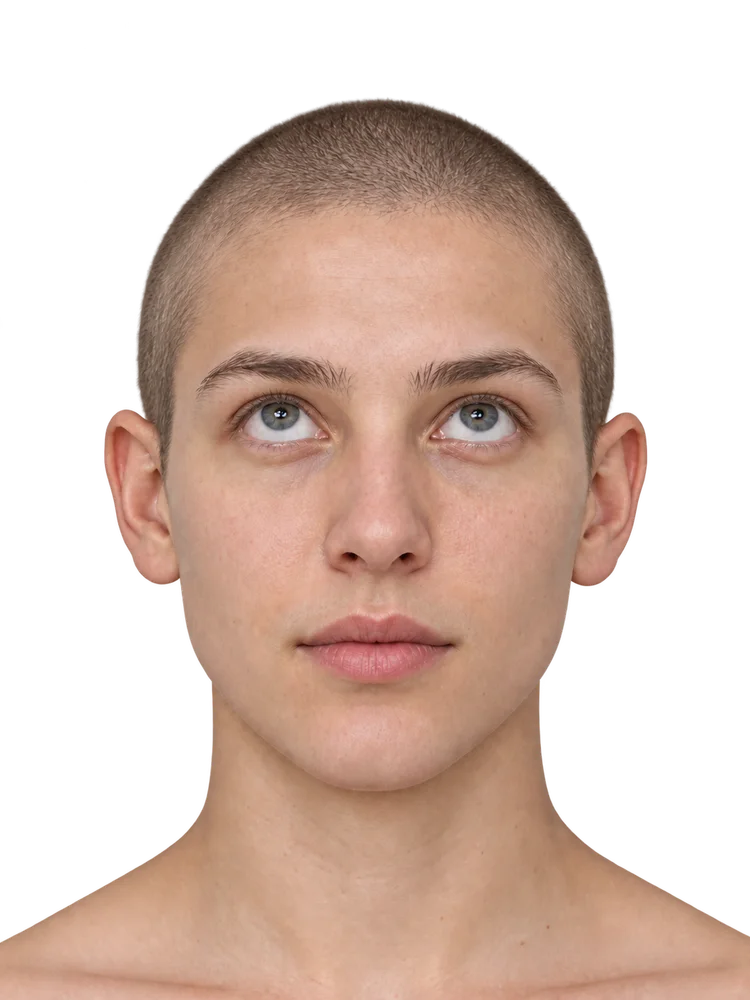
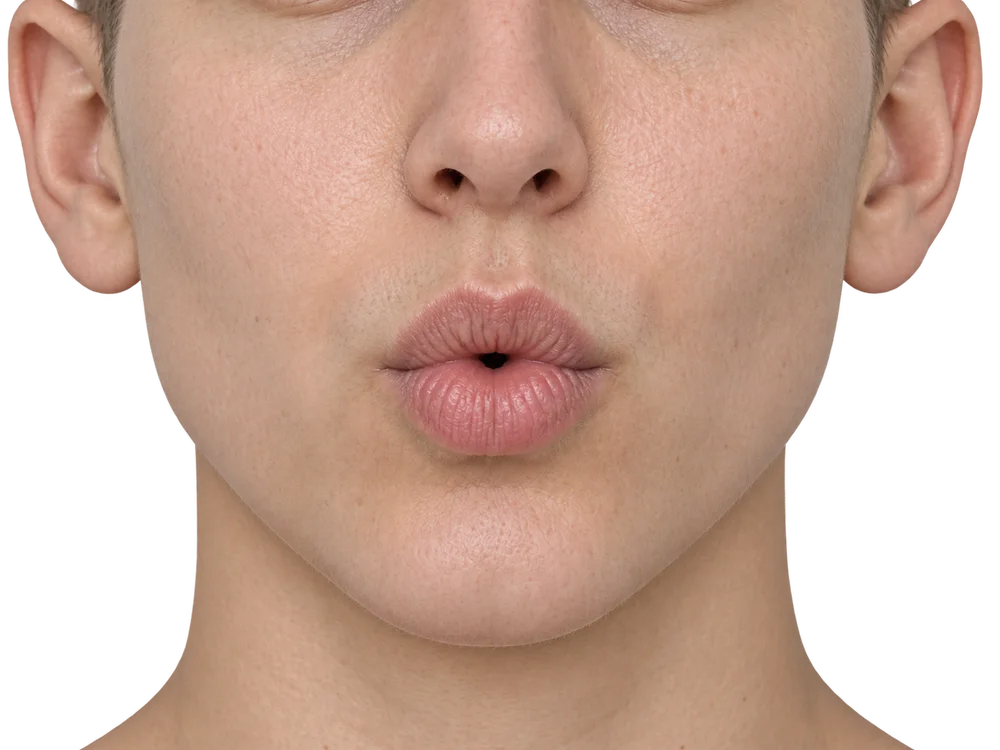
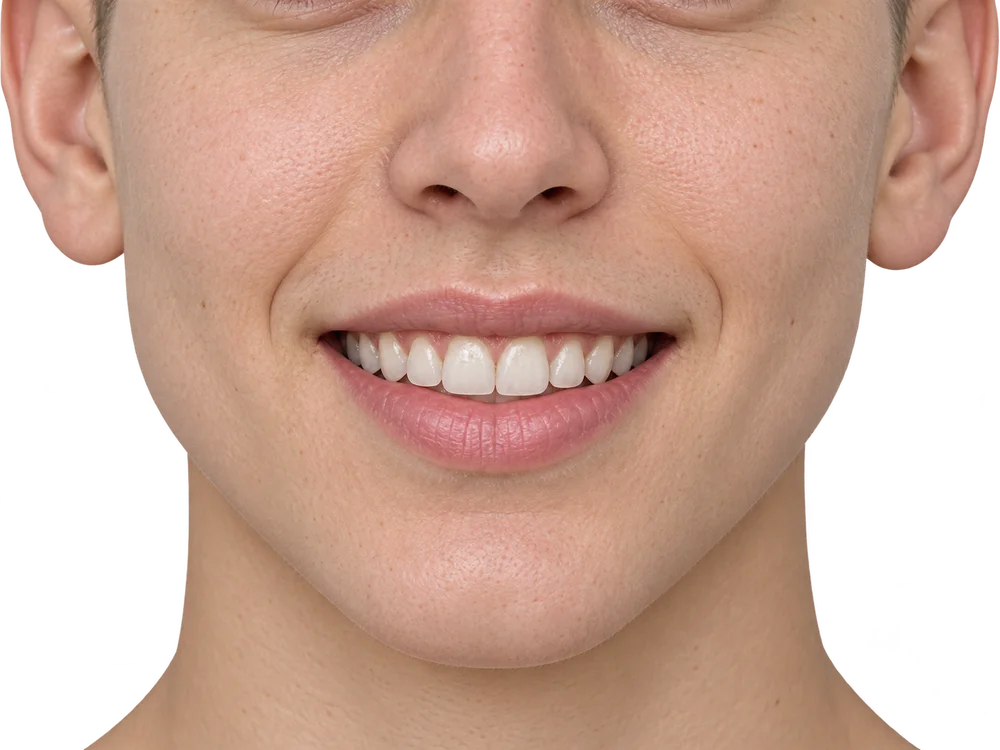
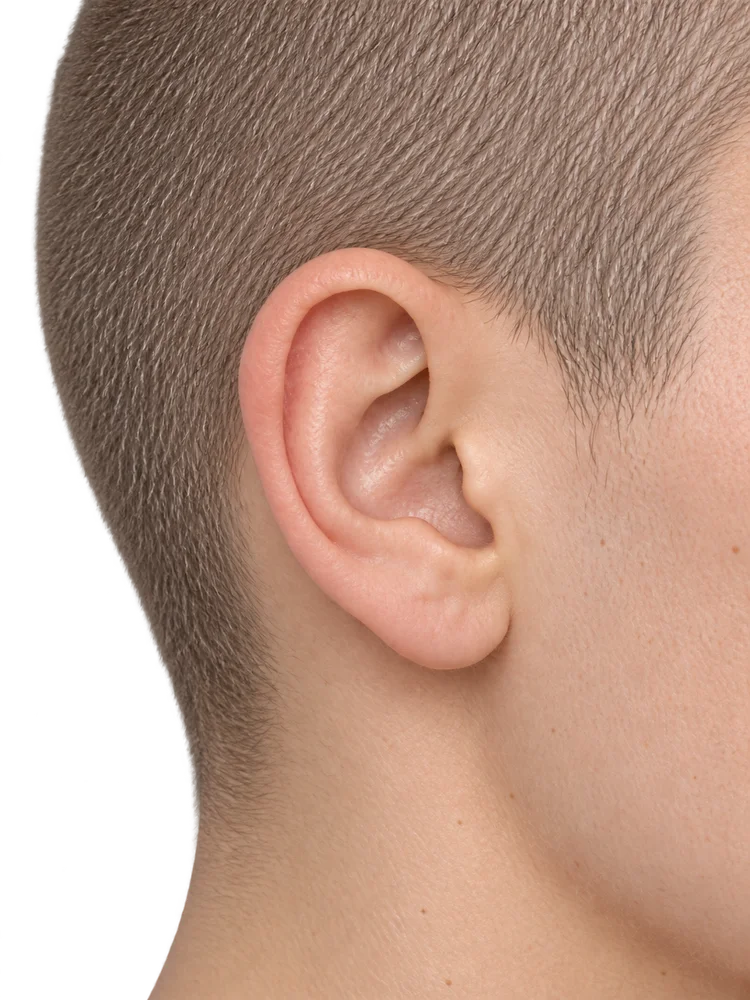
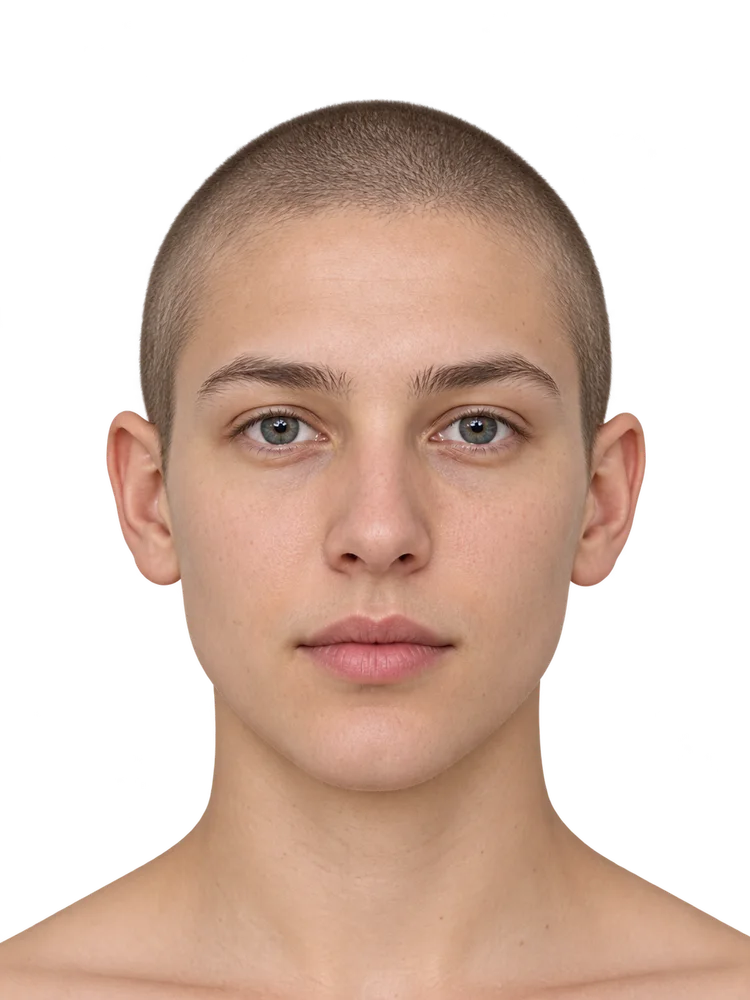
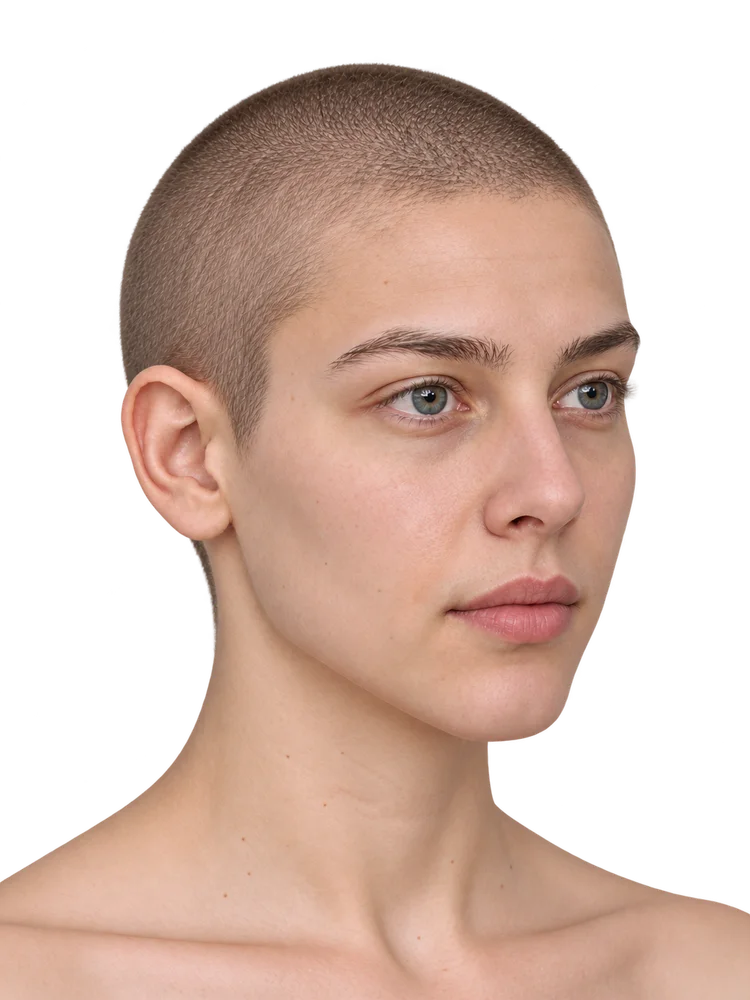
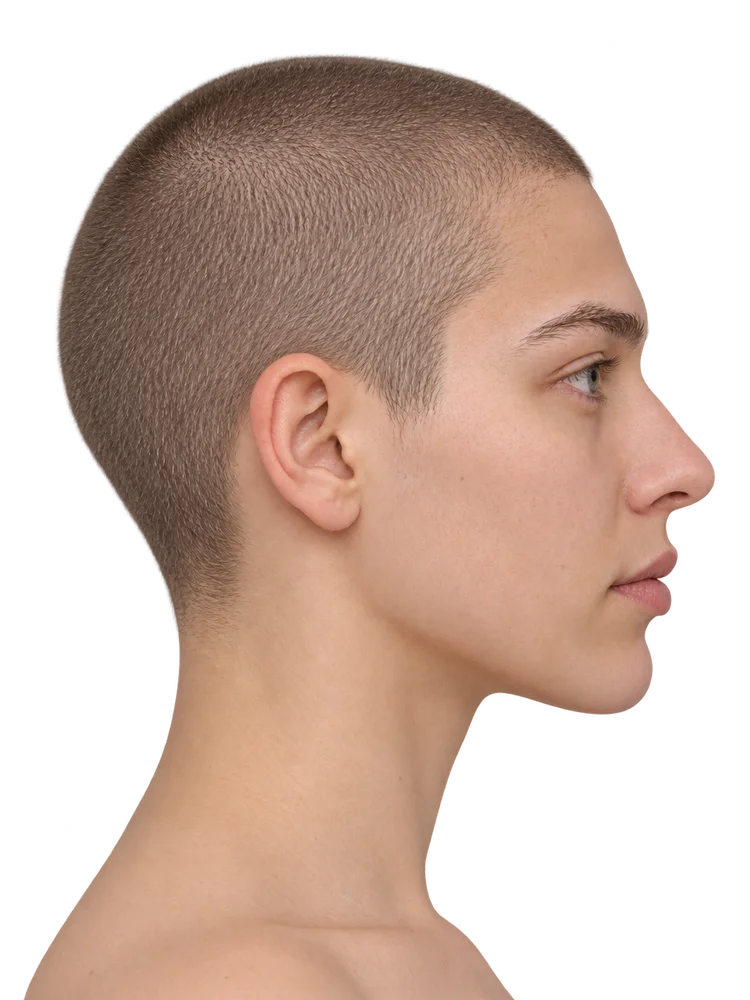
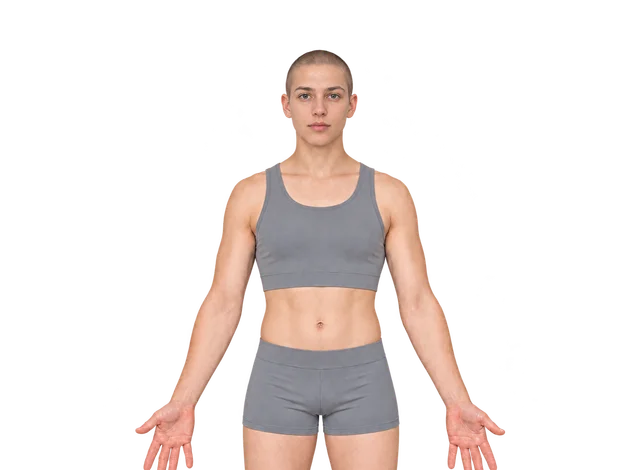
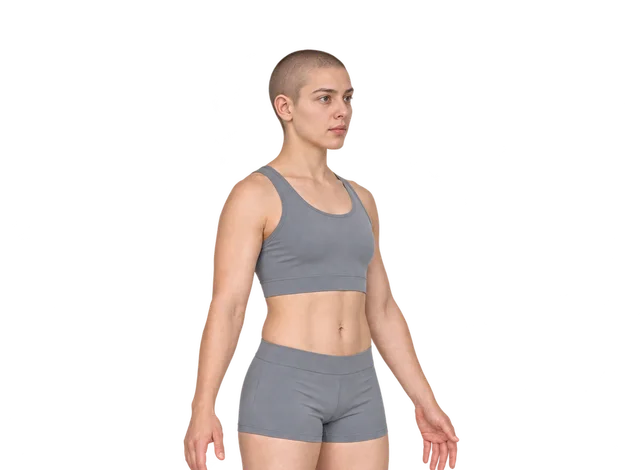
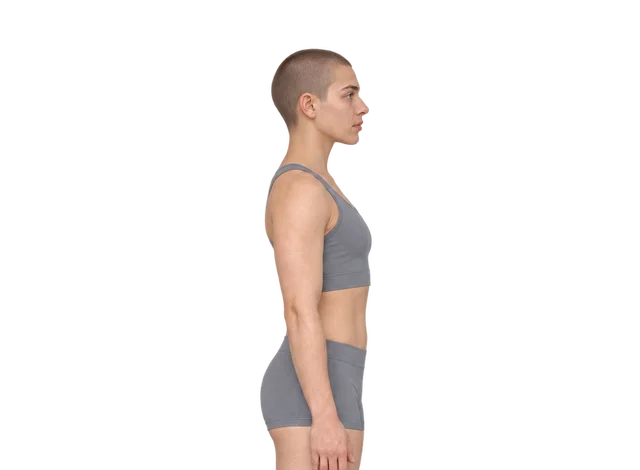
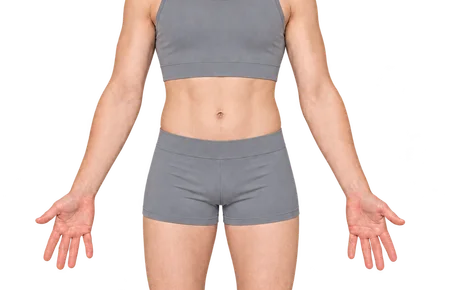
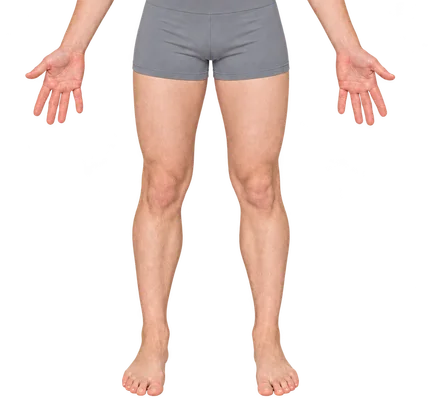
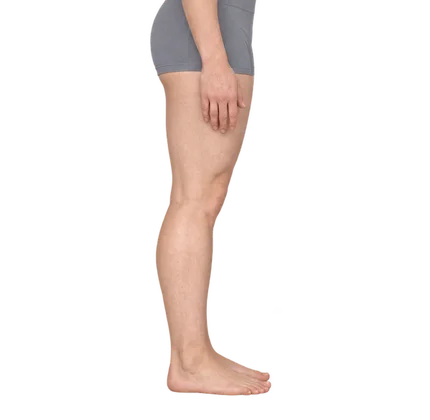
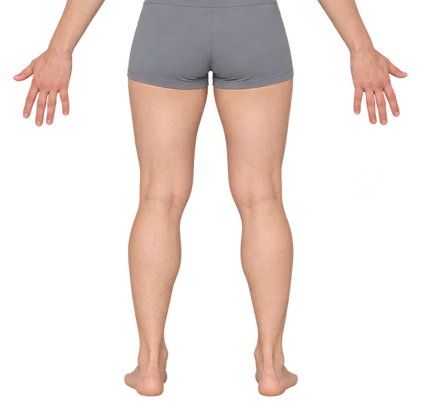
Choose a view
Browse anatomical guides and follow the matching positioning overlay while capturing.
 NikoFrameCLINICAL PHOTOGRAPHY
NikoFrame · coming soon
NikoFrame is in development and evaluation. A public version is coming soon.
View guides, organized archives and before-and-after comparison.
NikoFrame brings view guidance, photo organization, comparison and exports together for iPhone medical photography. The design aims to simplify everyday work while preserving original photos. Comparability still depends on capture conditions and careful review.
NikoFrame is a practical aid for everyday documentation when professional equipment is not at hand. It uses compatible phone cameras and guidance; it does not replace professional medical photography or guarantee equivalent quality. Choose equipment for the purpose and accuracy required.
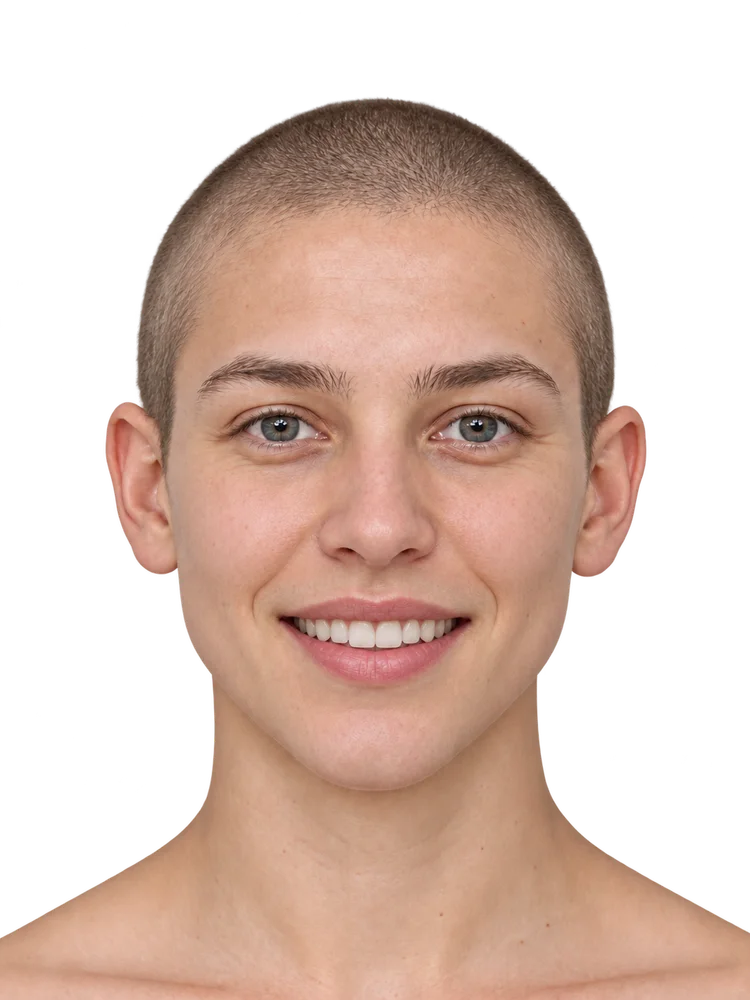
Illustrative guides use synthetic models. They demonstrate positioning and framing, not patient outcomes.
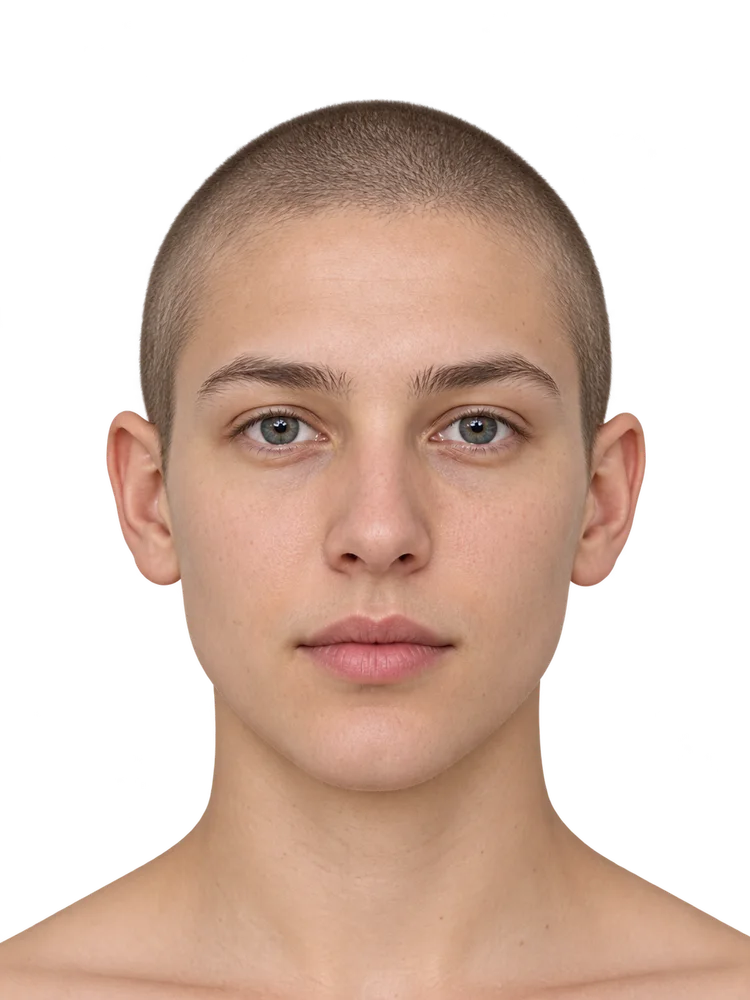
Guide regions
Illustrative guides use synthetic models. They demonstrate positioning and framing, not patient outcomes.
Selected synthetic positioning illustrations, including updated neck guides from 87.18. These are not patient photographs or app screenshots.
Frontal, oblique and expression views for facial and nose photography.
Positioning examples include gaze direction, closed eyes and squinting.
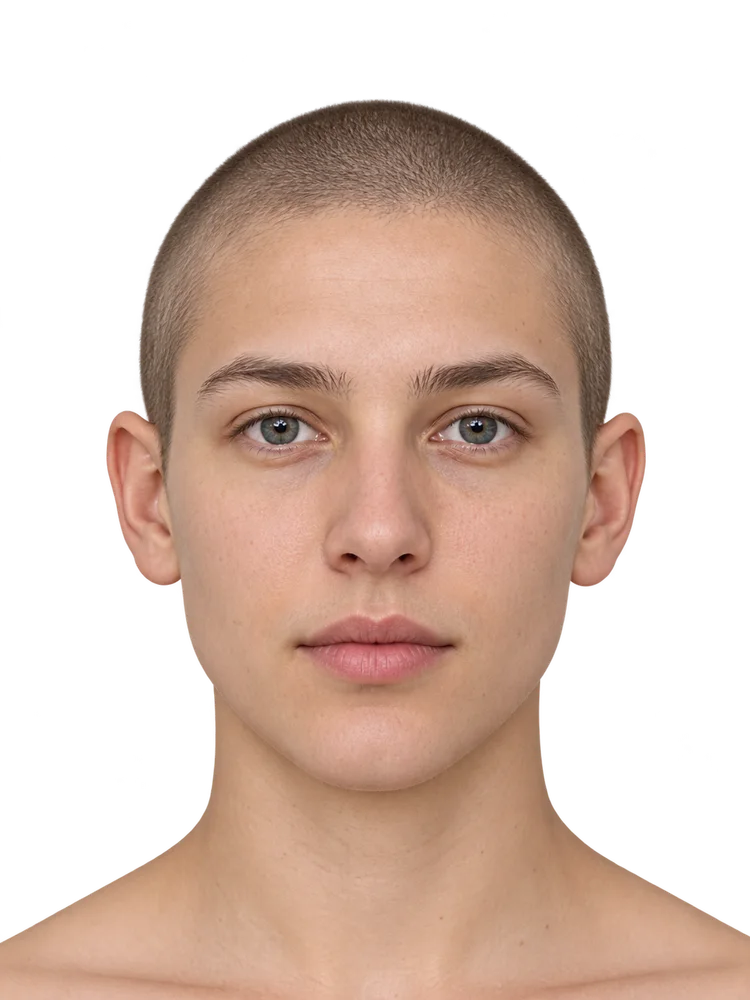
Close framing examples for relaxed, pursed, smiling and parted-lip views.
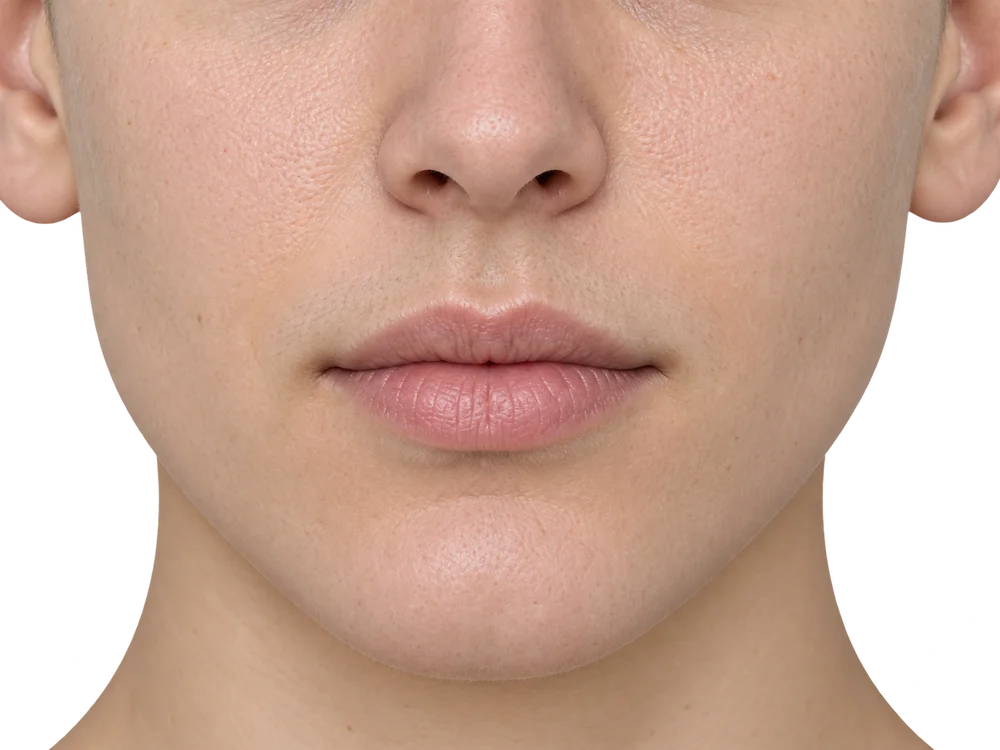
A dedicated right-ear example; the native atlas mirrors it for the other side.
Face, jawline and neck views, including neutral and platysma positioning.
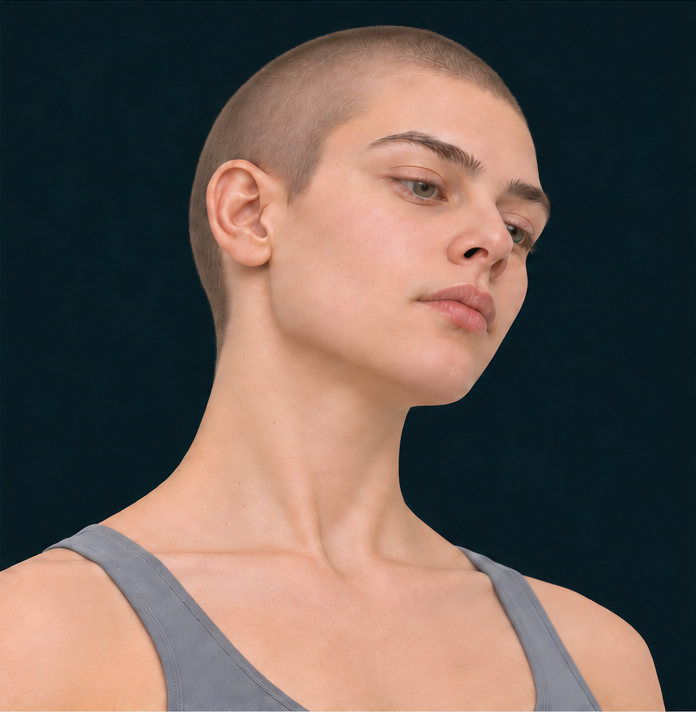
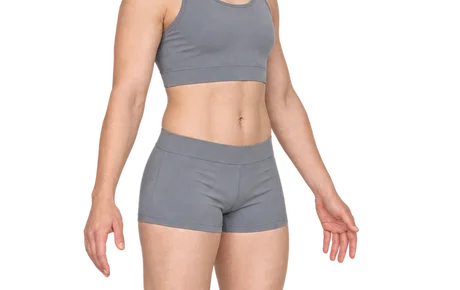
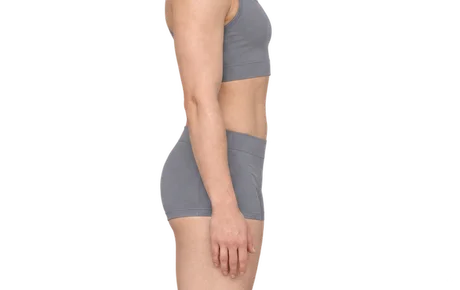
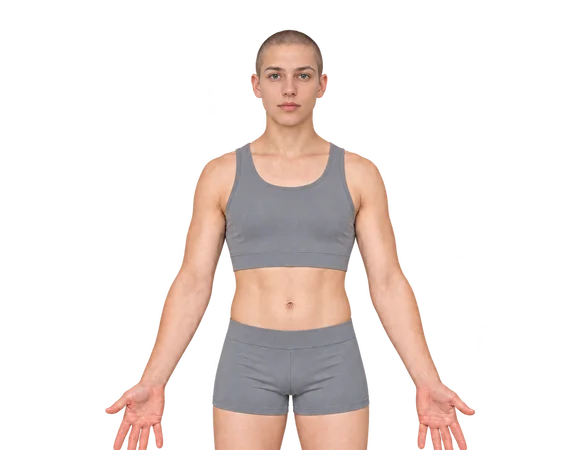
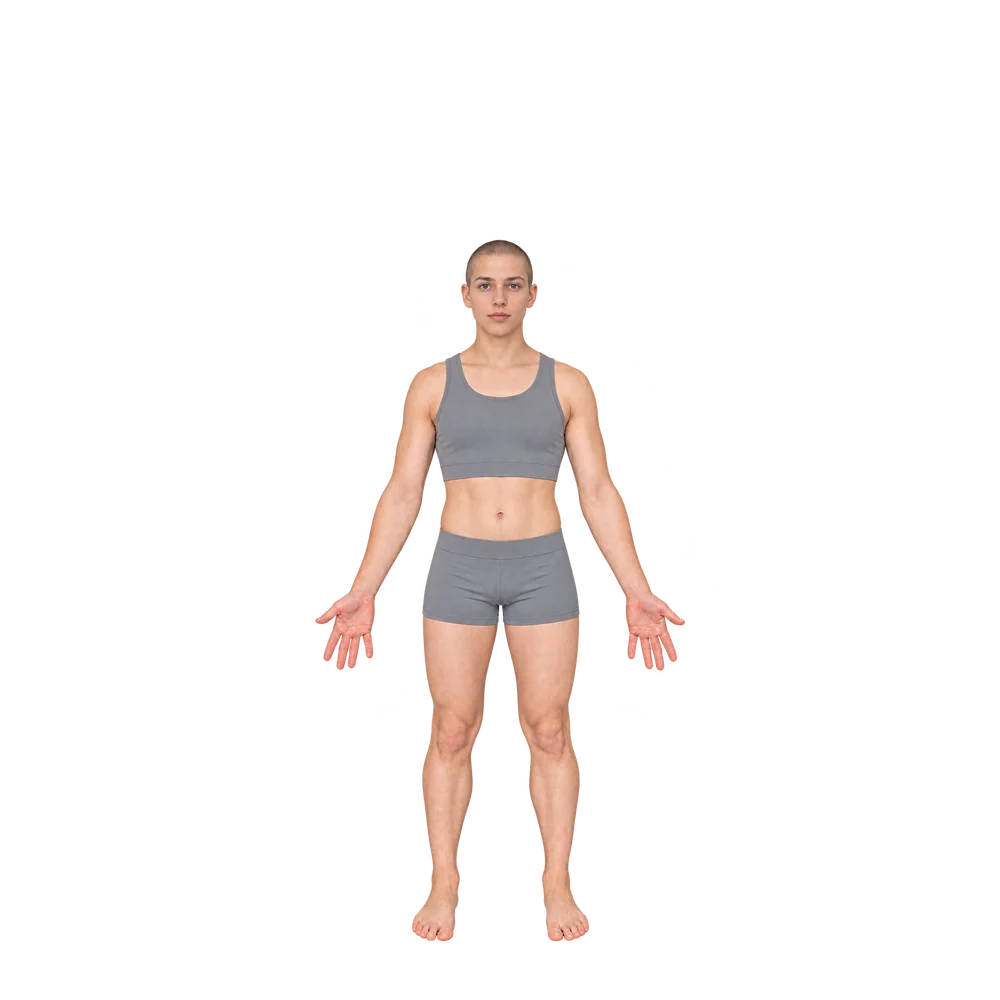
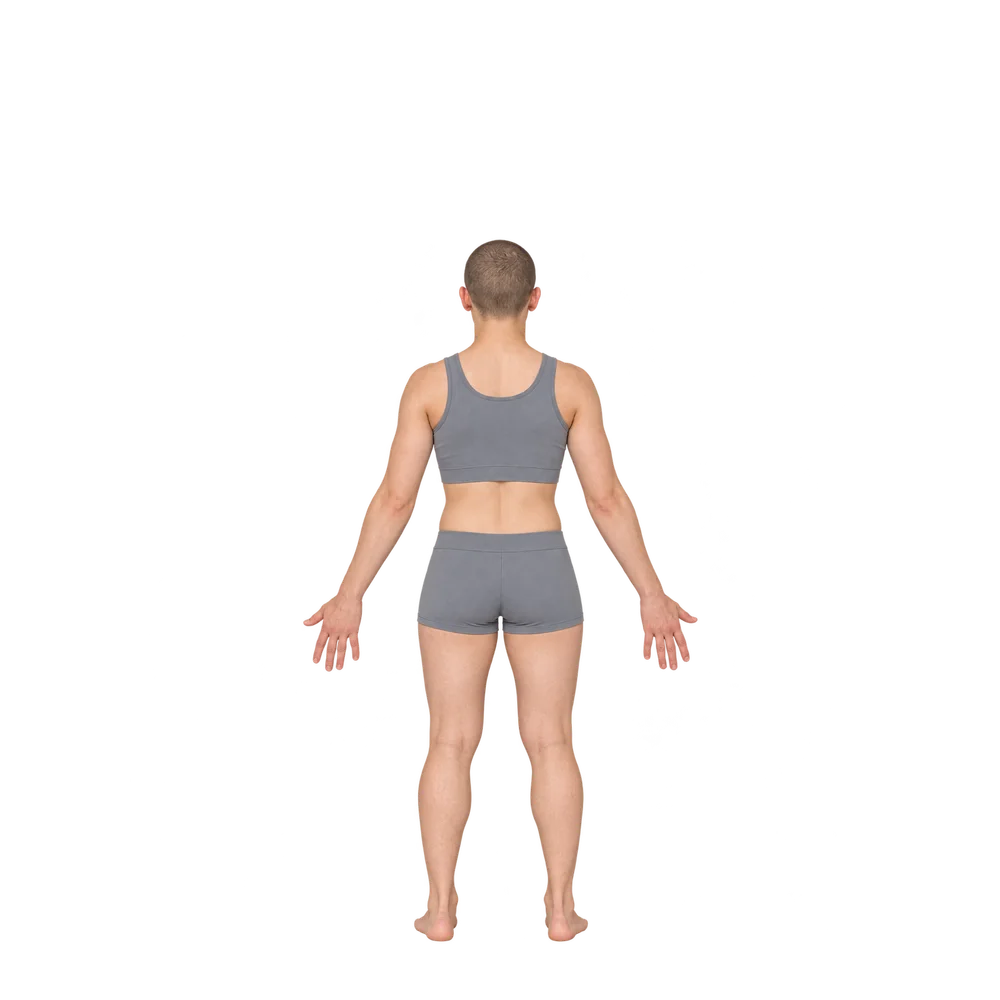
Clothed synthetic positioning examples for consistent pose and framing.
Standing and forward-bend positioning examples for abdominal views.
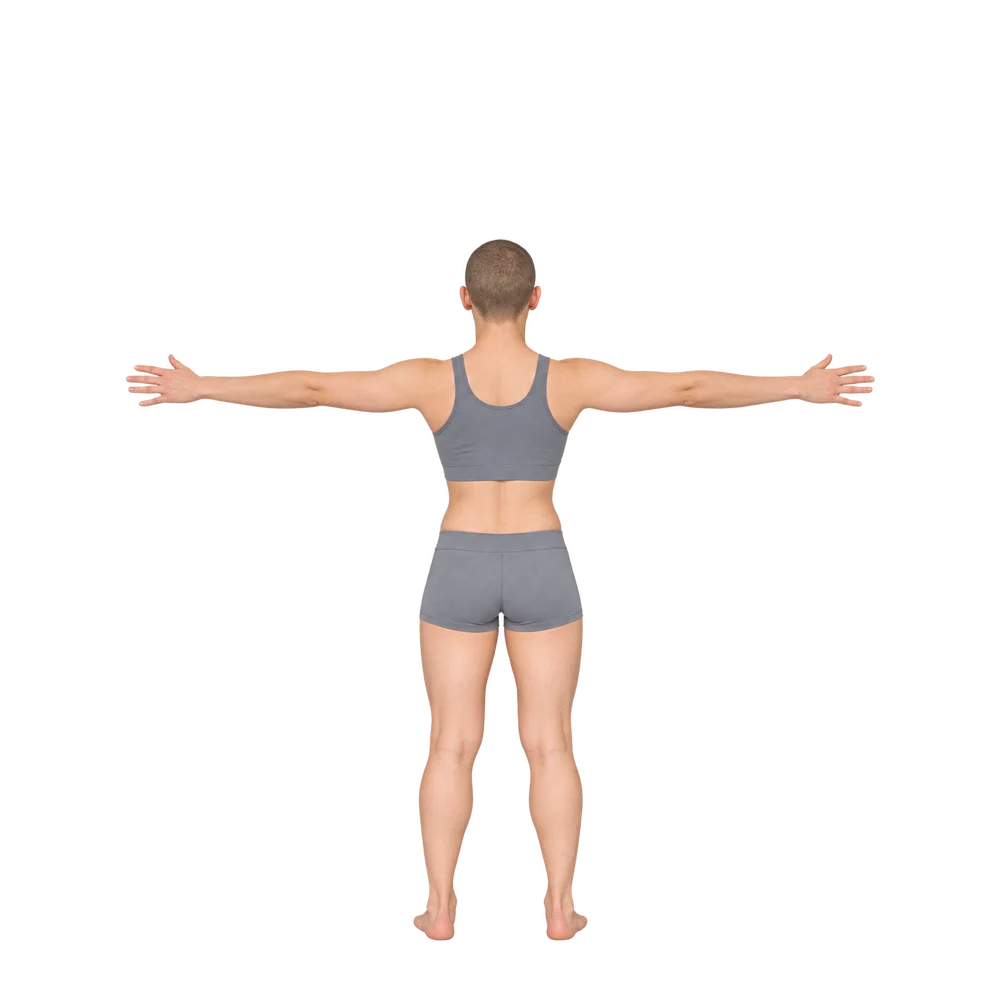
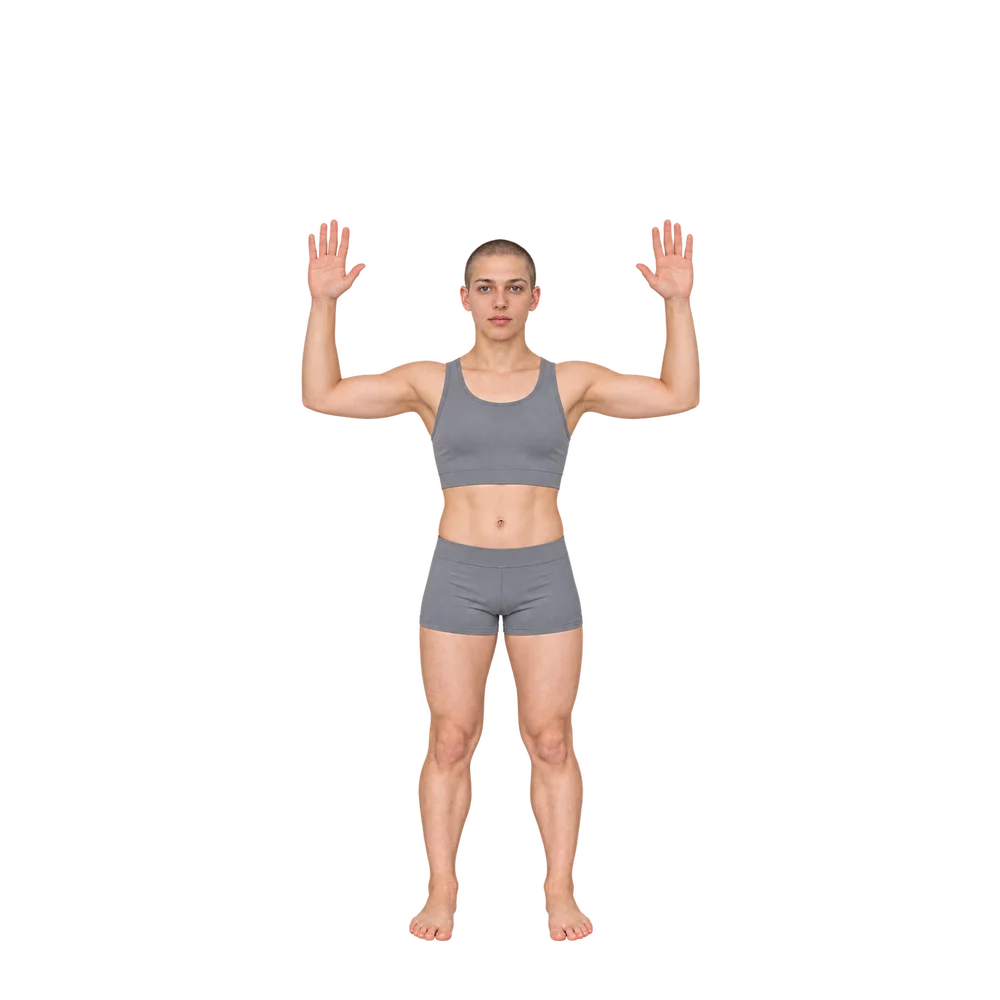
Clothed context views for torso and whole-body framing.
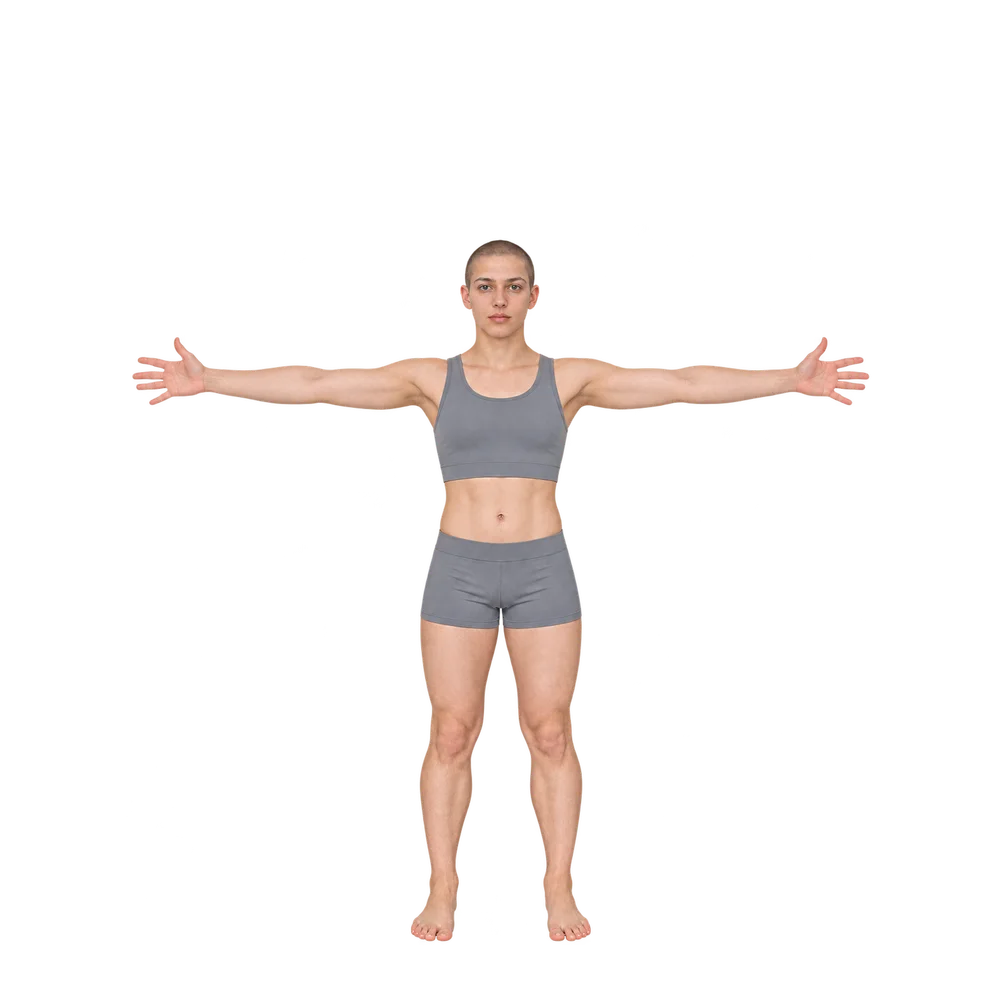
Full-body arm placement and arm views from axilla to fingertips.
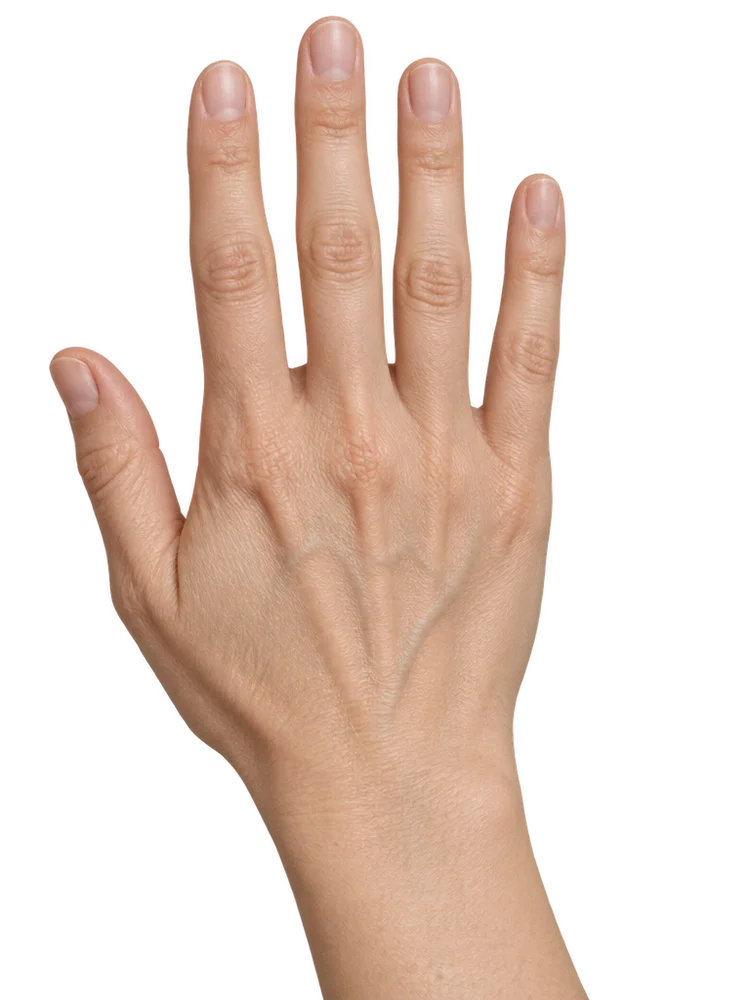
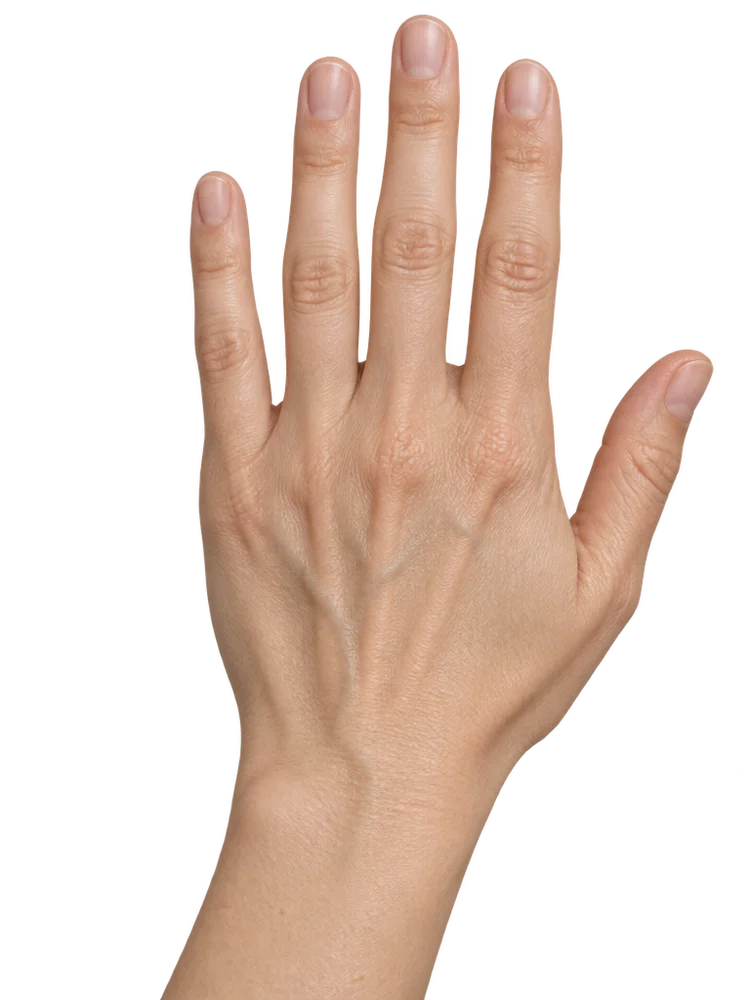
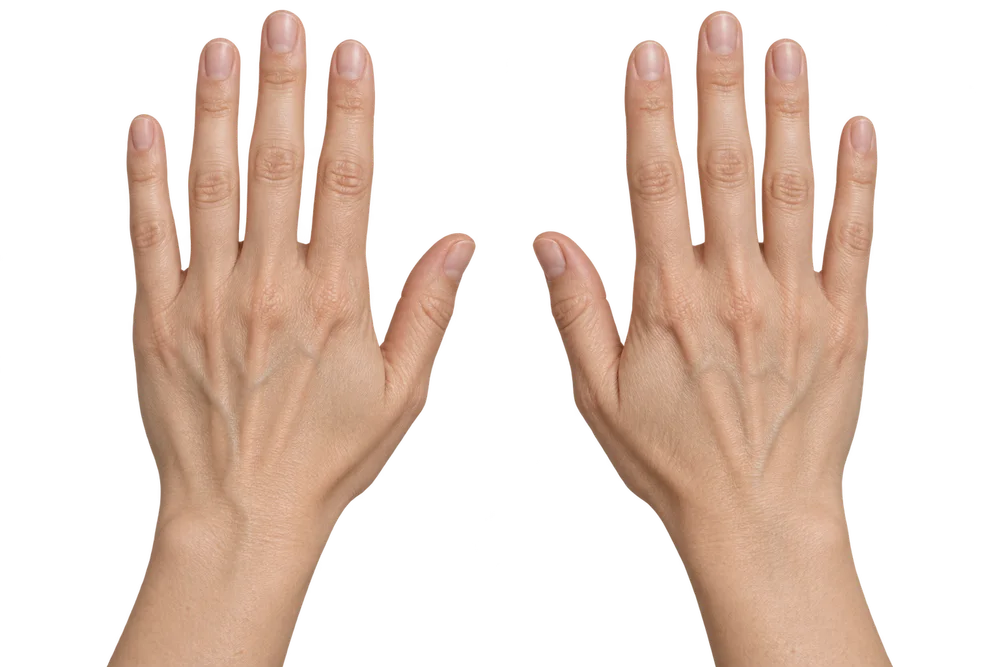
Dorsal hand views with right and left positioning variants.
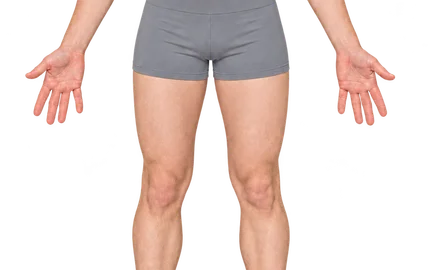
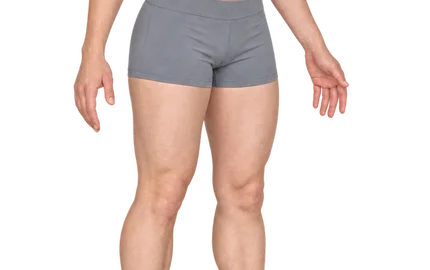
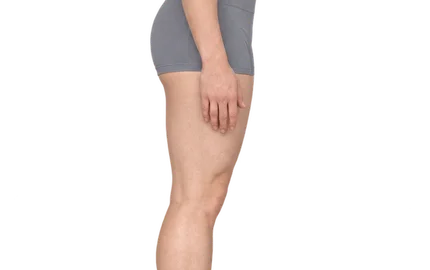
Clothed positioning examples for hips and thighs from several angles.
General clothed lower-limb views, including legs and feet.
Close-up skin capture with a technical macro setup reference.
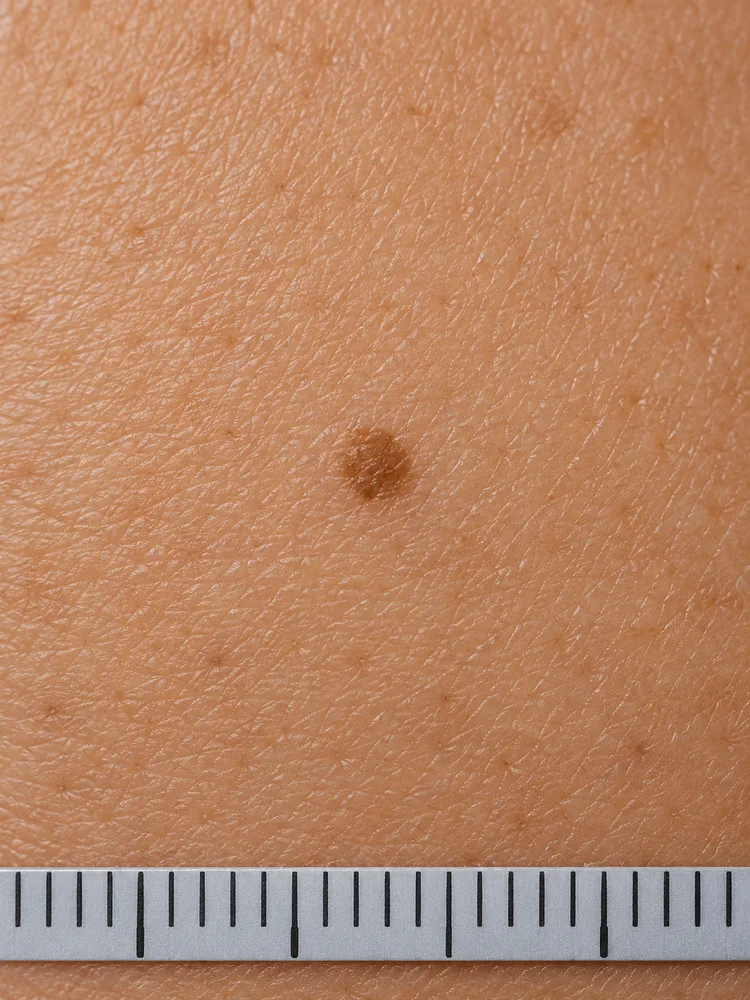
Only one verified synthetic skin example is currently available. No extra patient image has been added to fill the gallery.
Features
The native app brings view guidance, visit organization and practical exports together in one place.
NikoFrame is in development and evaluation. A public version is coming soon. NikoFrame Cloud is being prepared. Registration and public use are not active.
Fictional image for demonstrationActual simulator screens from Next 0.40 (87.3), a development preview, using synthetic DEMO data. They do not show the owner-installed 87.18 or a live camera test.
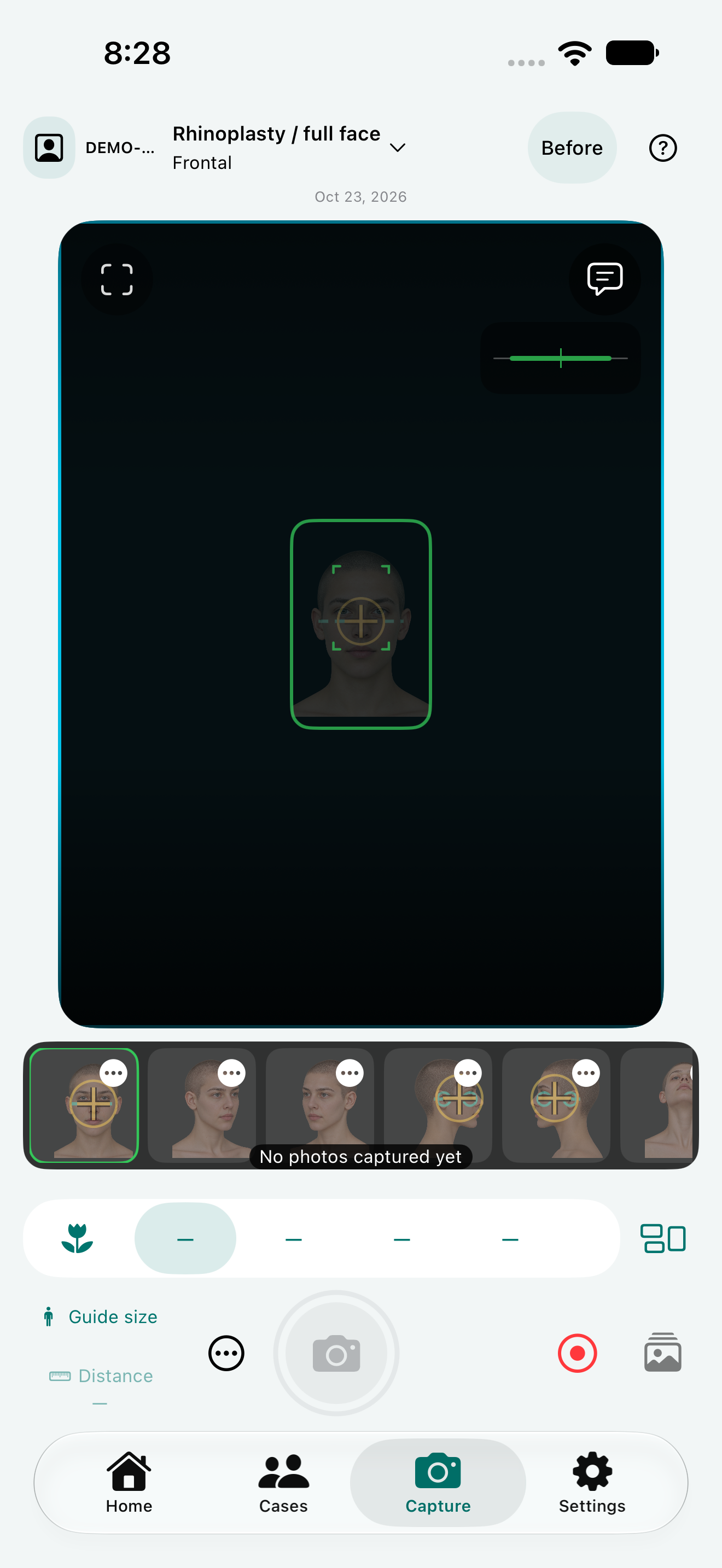
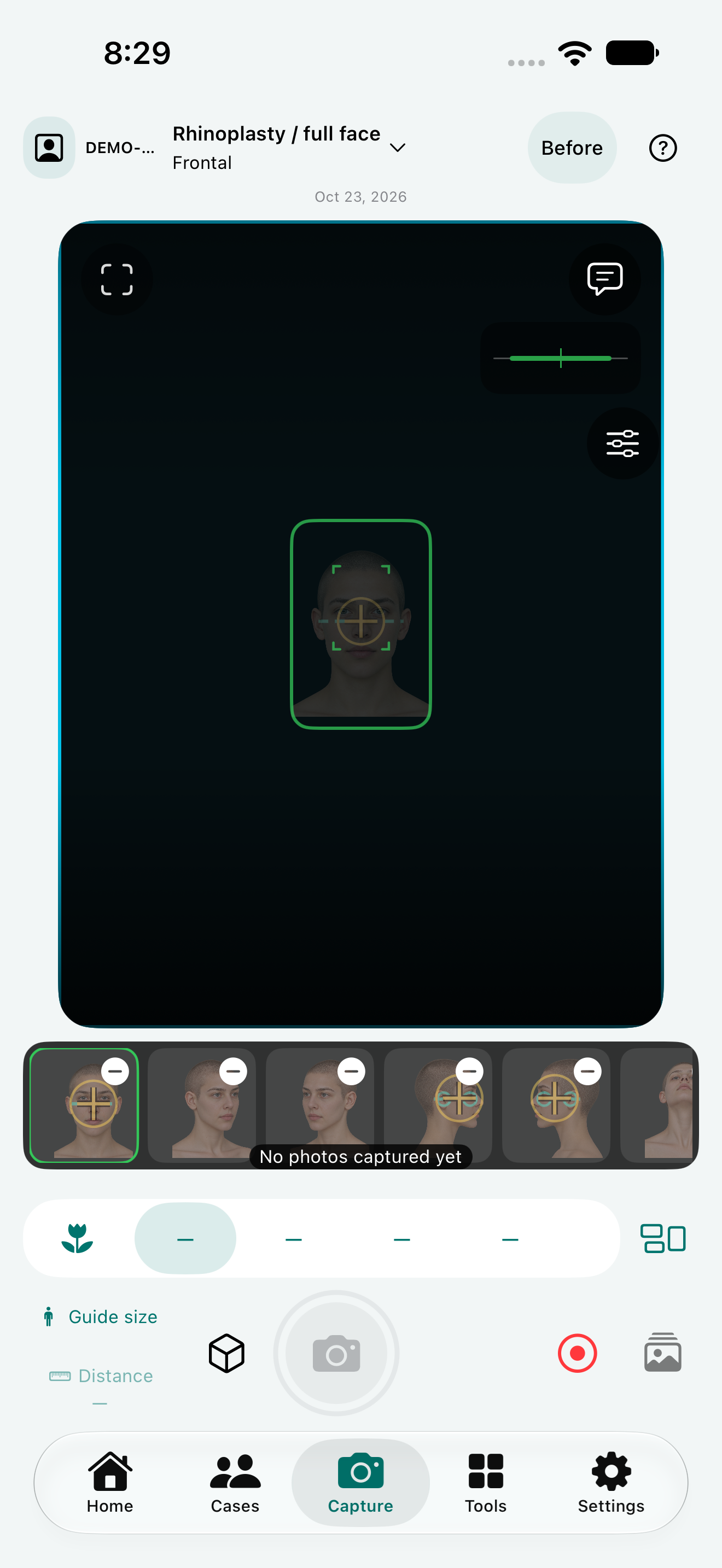
Browse anatomical guides and follow the matching positioning overlay while capturing.
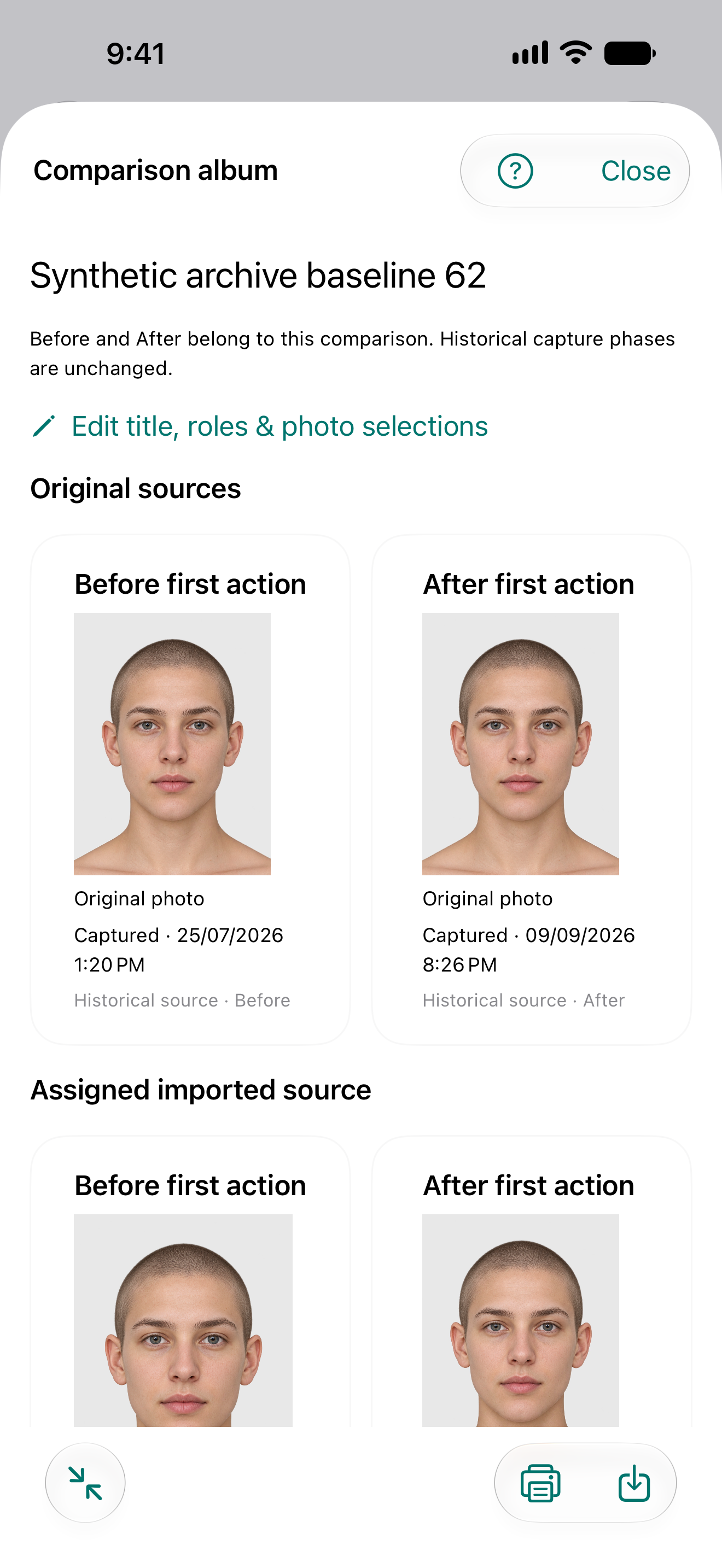
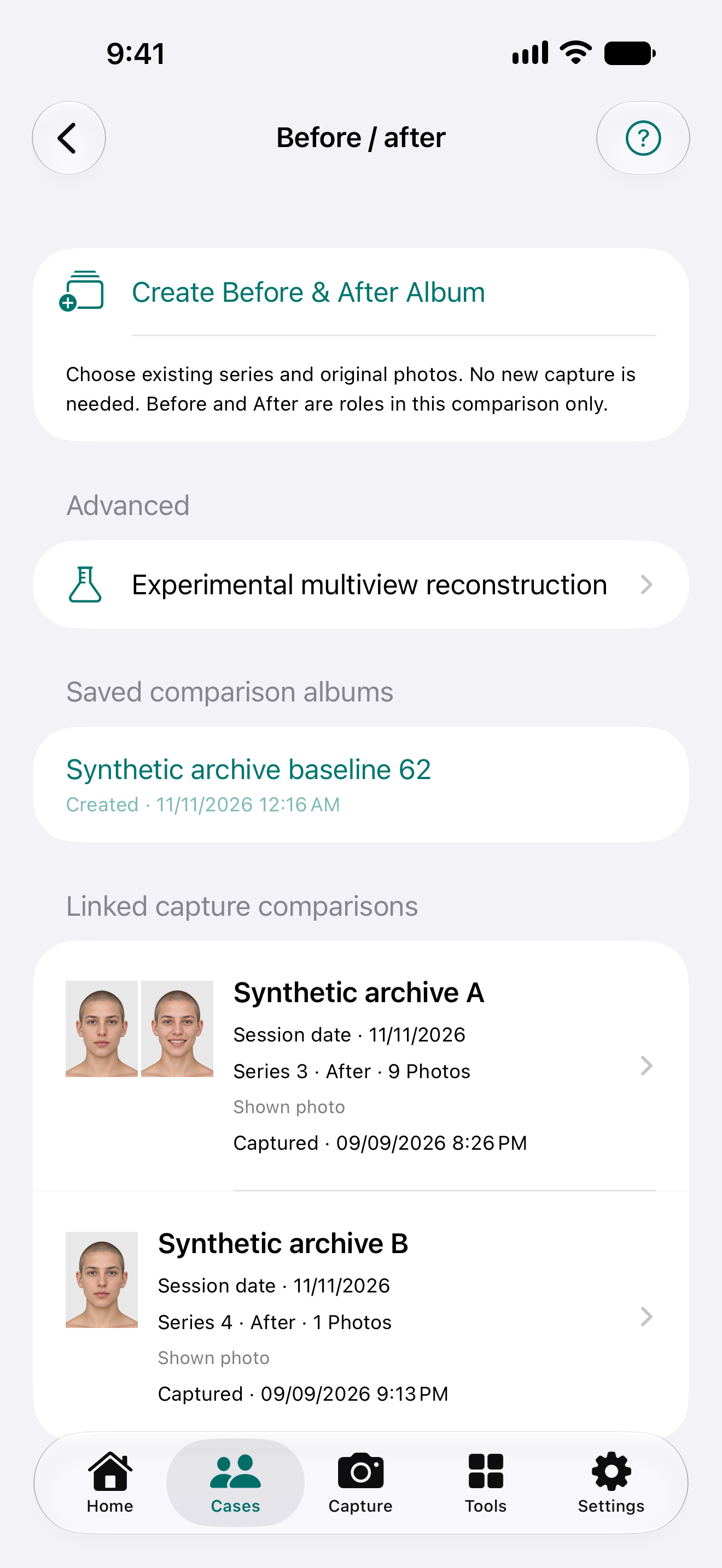
Pair before-and-after views with optional alignment copies; original photos stay preserved.
Save capture settings, group images in albums, and prepare PDF, print or watermarked copies.
NikoFrame · 0.40 (87.18)
Updated series names and positioning guides for the private NikoFrame 0.40 (87.18) test build.
To reduce repositioning, capture all frontal views first, then the right oblique views including Bravo, the right lateral views including Connell and the corresponding platysma-contraction views. Repeat on the left and finish with Auersvald.
Full view names, separate example and setup images, and enlargable guides explain positioning. Supported lens choices remain available, and the selection is retained within the capture session without changing global defaults.
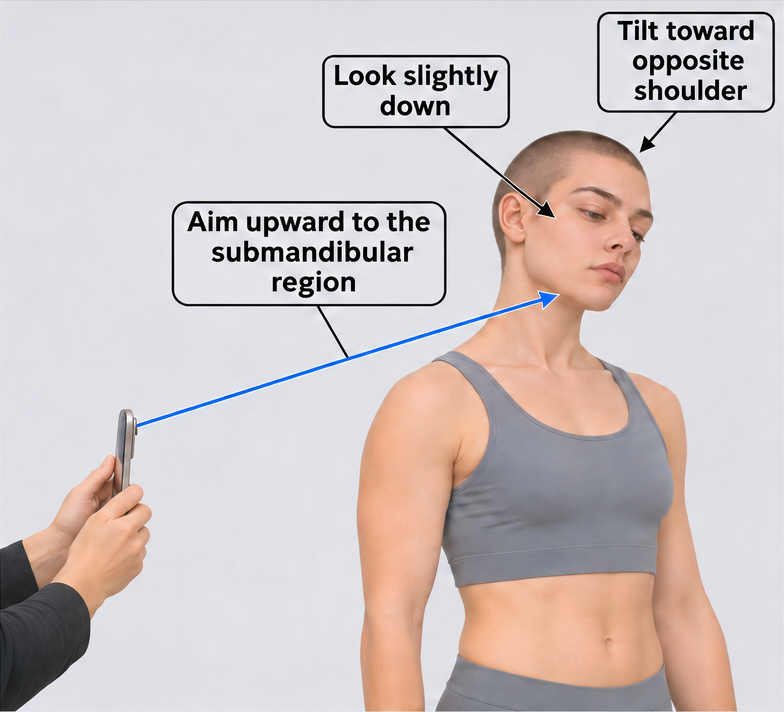
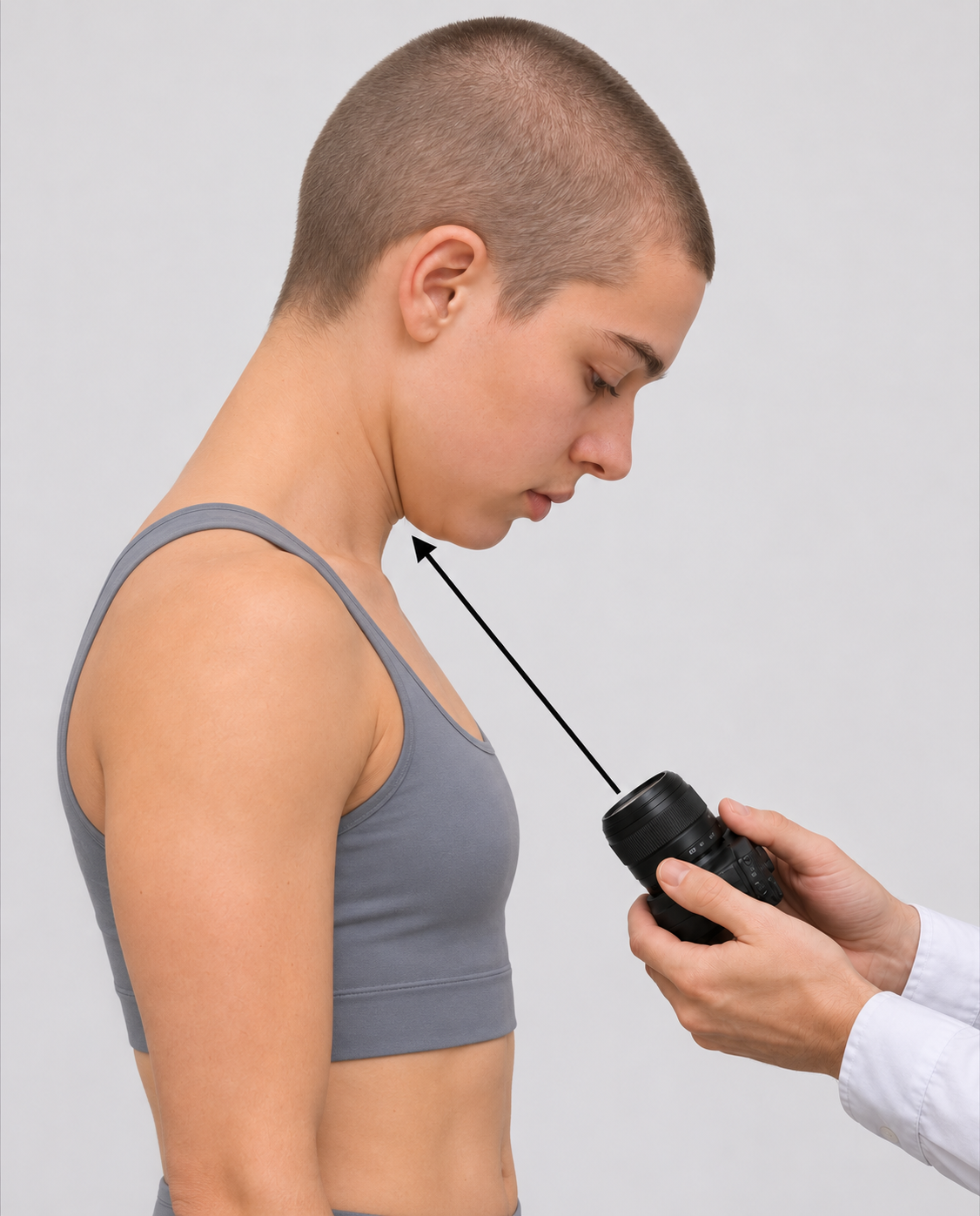
From an oblique position, slightly flex the head forward and look down, then tilt it toward the opposite shoulder. Aim the camera toward the submandibular region. NikoFrame defaults to 5× where available, using the usual full-face photography distance; other supported lens options remain selectable.
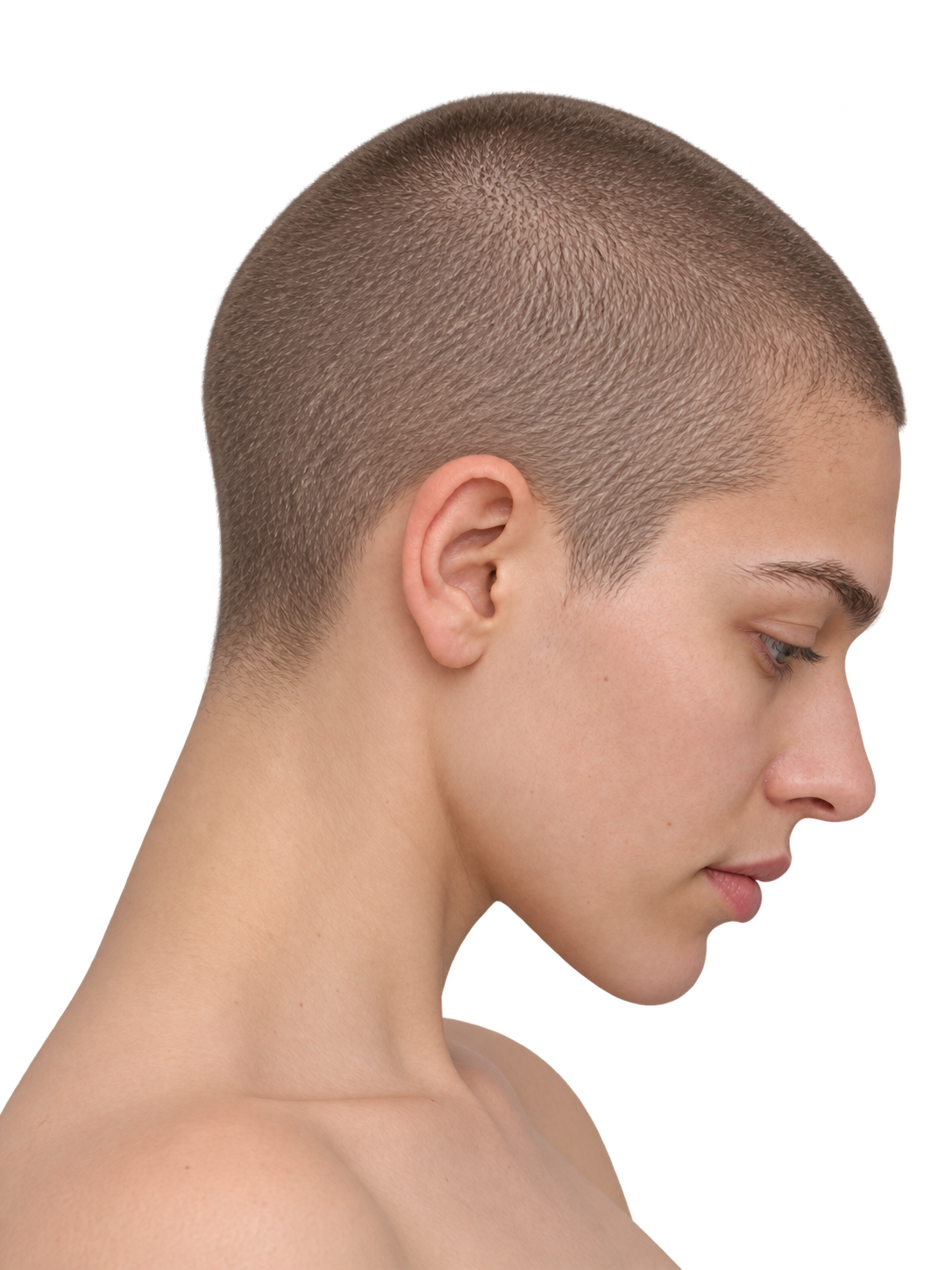
Use the usual lateral facial photography position and distance, with the head and neck flexed. Reproduce the same pose, camera position and framing for before-and-after photographs.
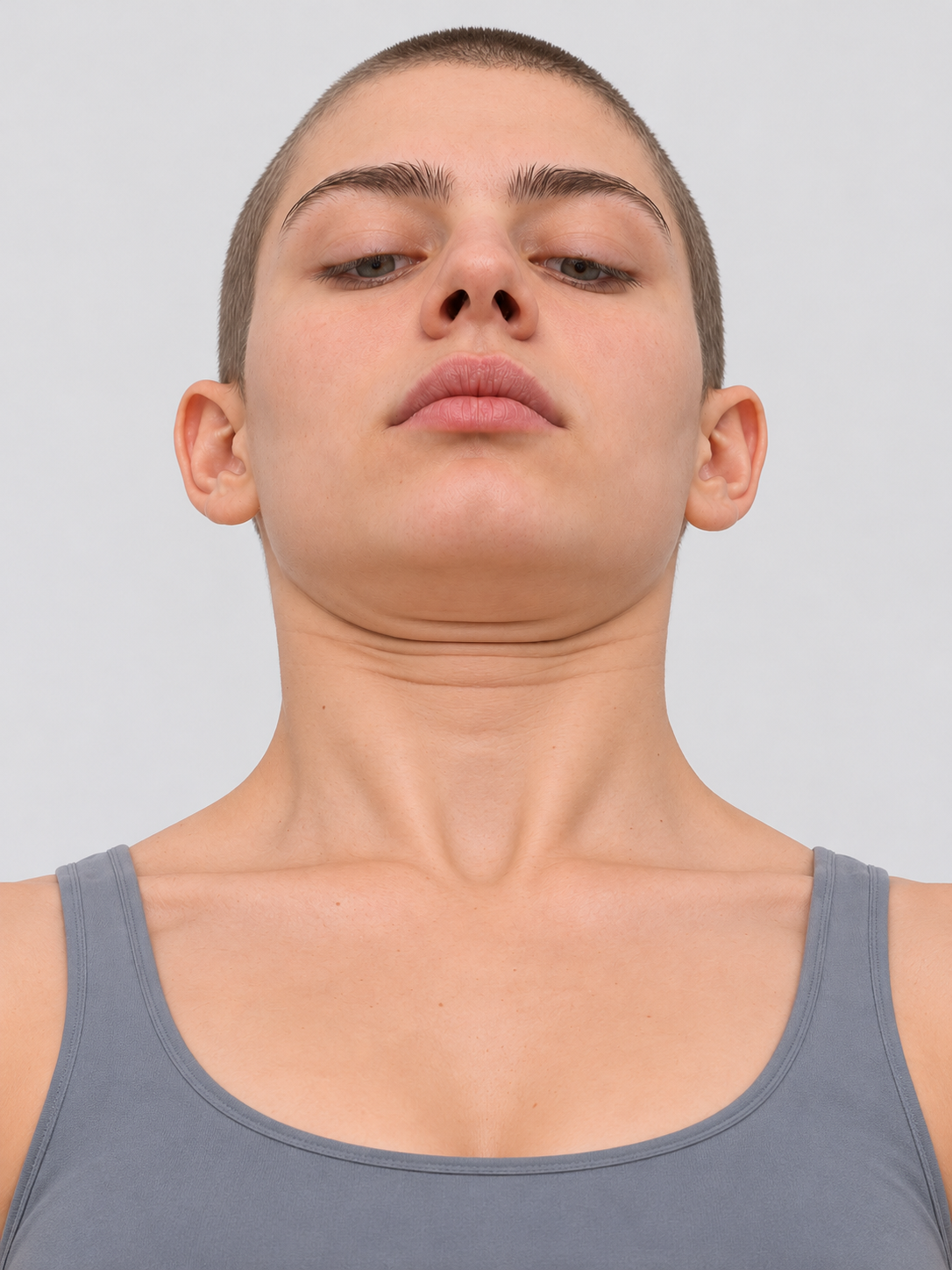
Flex the head forward and photograph from below, aiming upward toward the submandibular region. Include the lower neck and center the target within the frame. Choose the camera position for a clear view rather than a fixed chest-contact point. NikoFrame defaults to 2×; other supported lens options remain selectable.
Synthetic positioning illustrations explain the NikoFrame workflow. Lens presets depend on device capabilities and are app settings, not claims of clinical validation. Keep positioning and capture conditions consistent between sessions.
NikoFrame
Interactive website demonstration comparing two expressions of a synthetic model. Not a patient or treatment result.
Drag the divider or use the slider. With the keyboard, use the arrow keys, Home or End.
Genuine NikoFrame Next 0.40 (87.17) Simulator screens with synthetic test images. These show software controls, not patient outcomes or clinical validation; they are not evidence of the owner-installed 87.18 or a public release.
These captures show the English interface in the light theme.
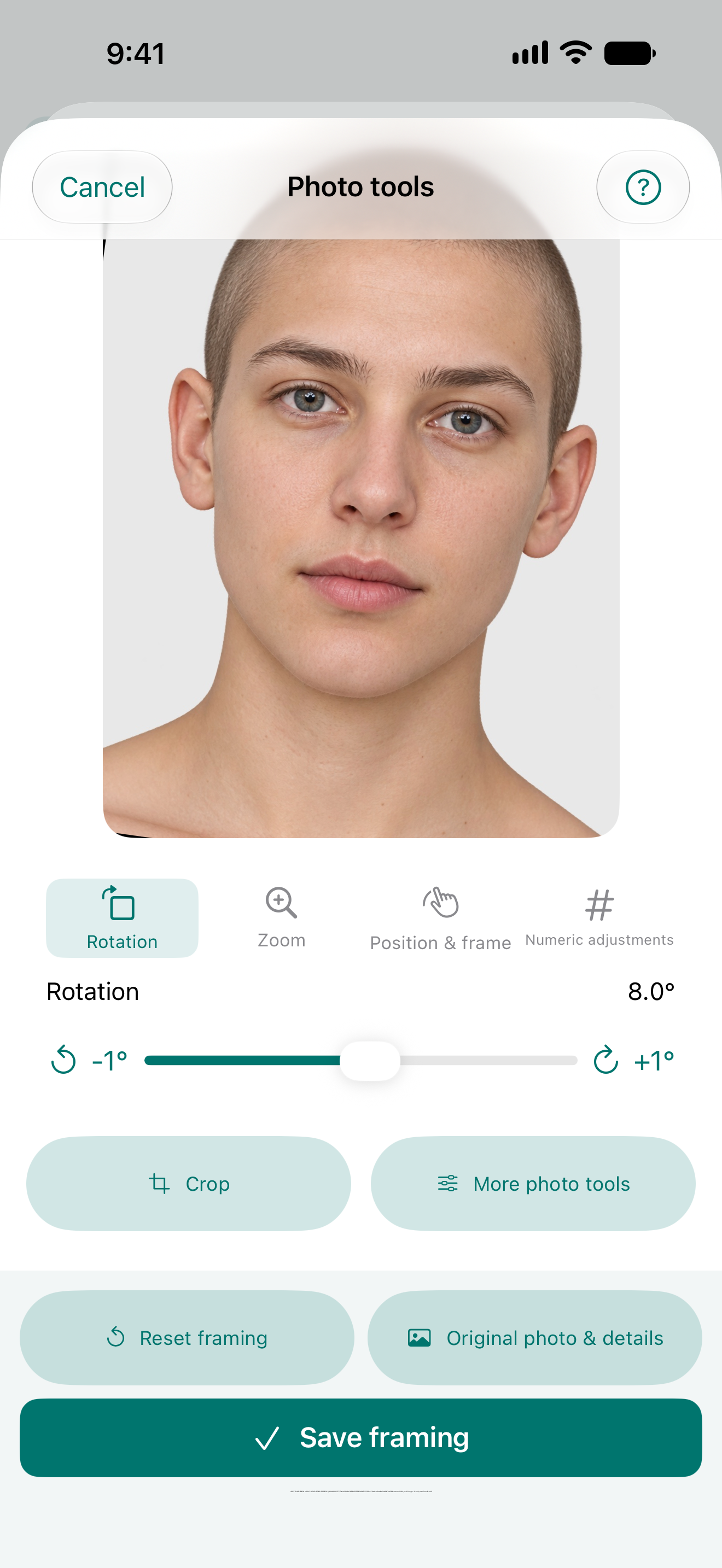
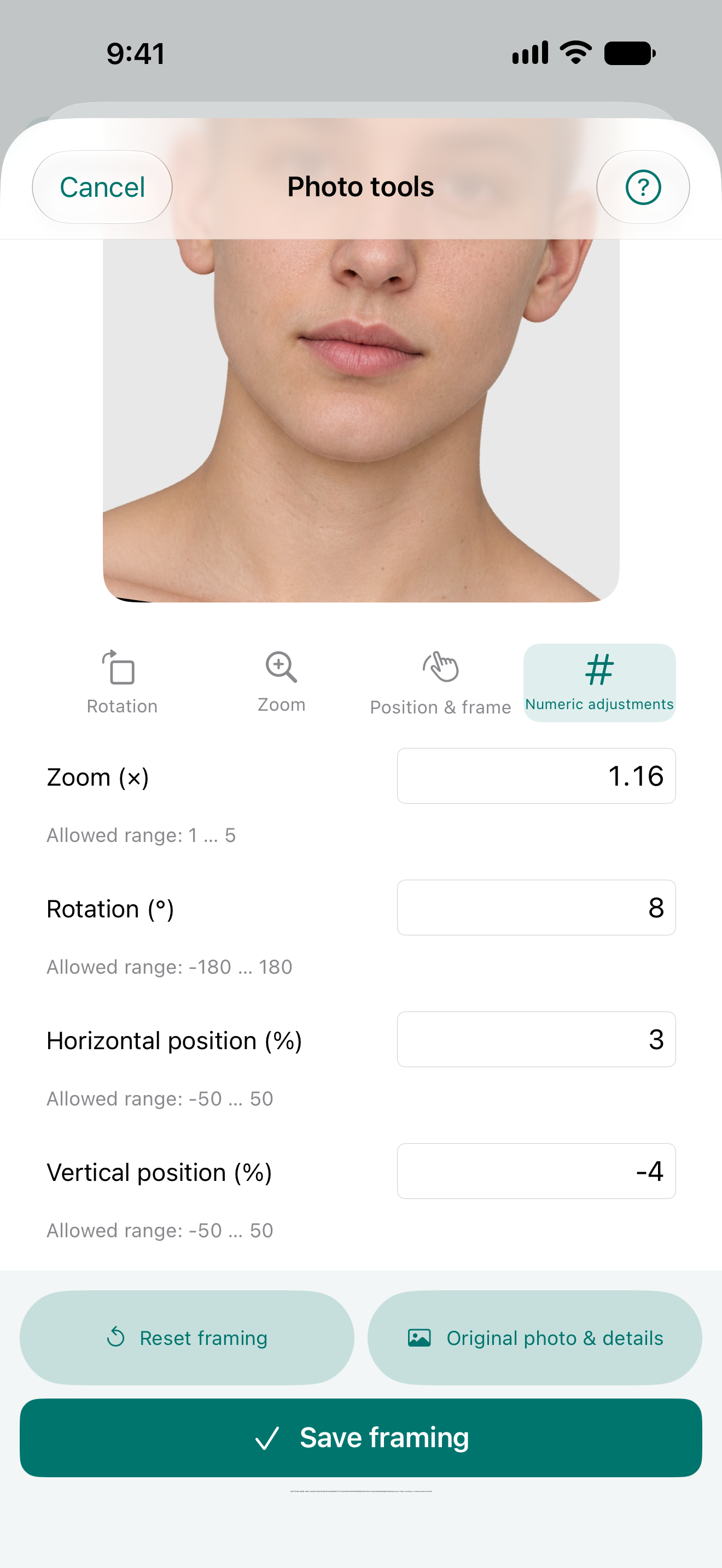
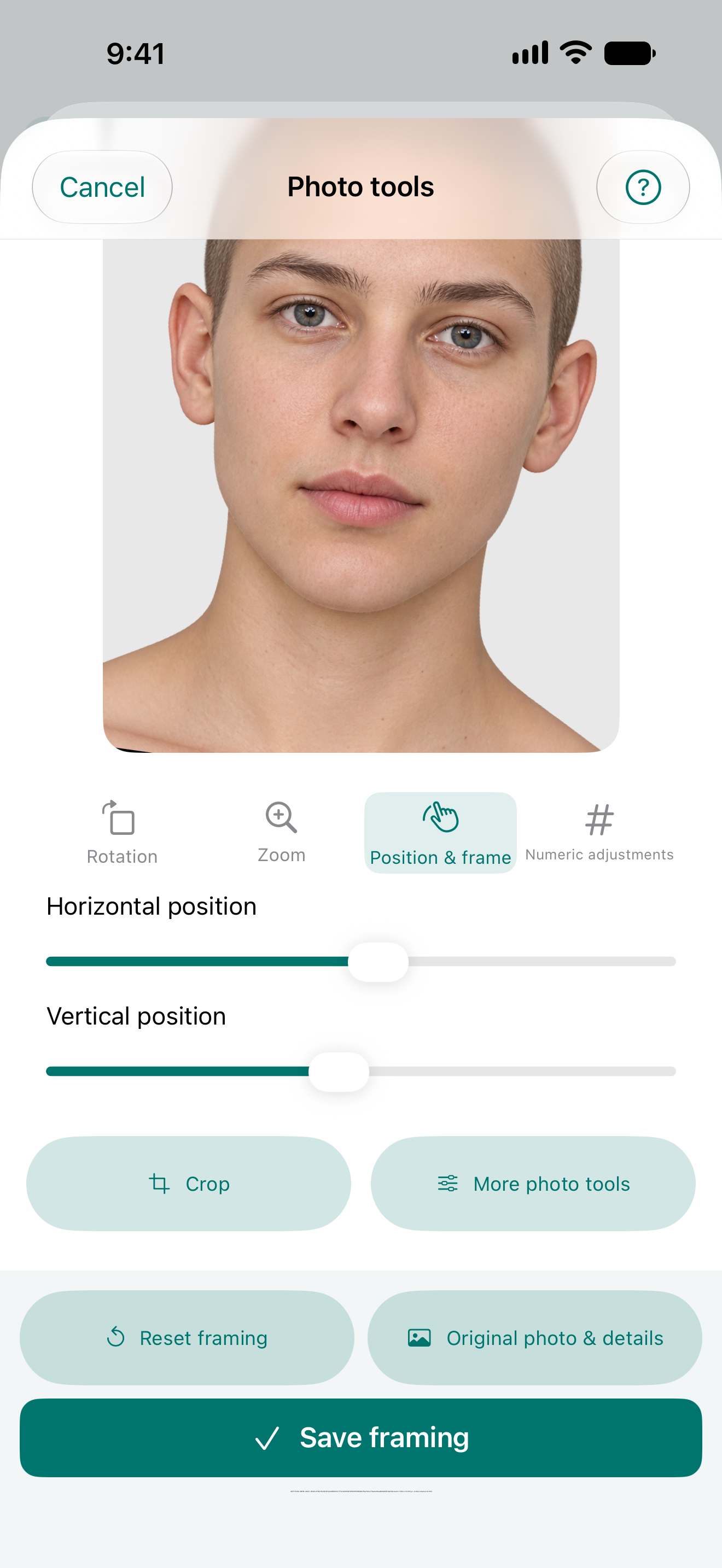
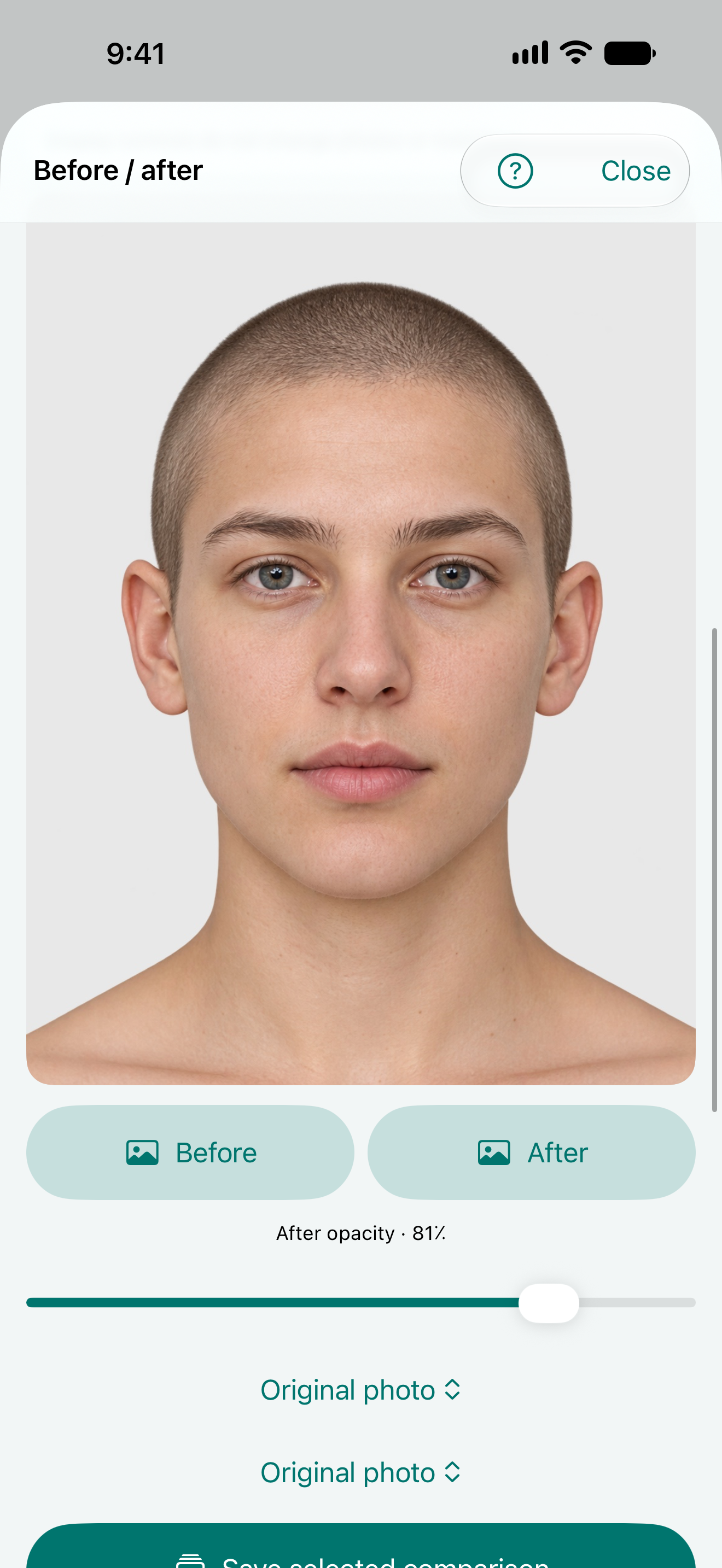
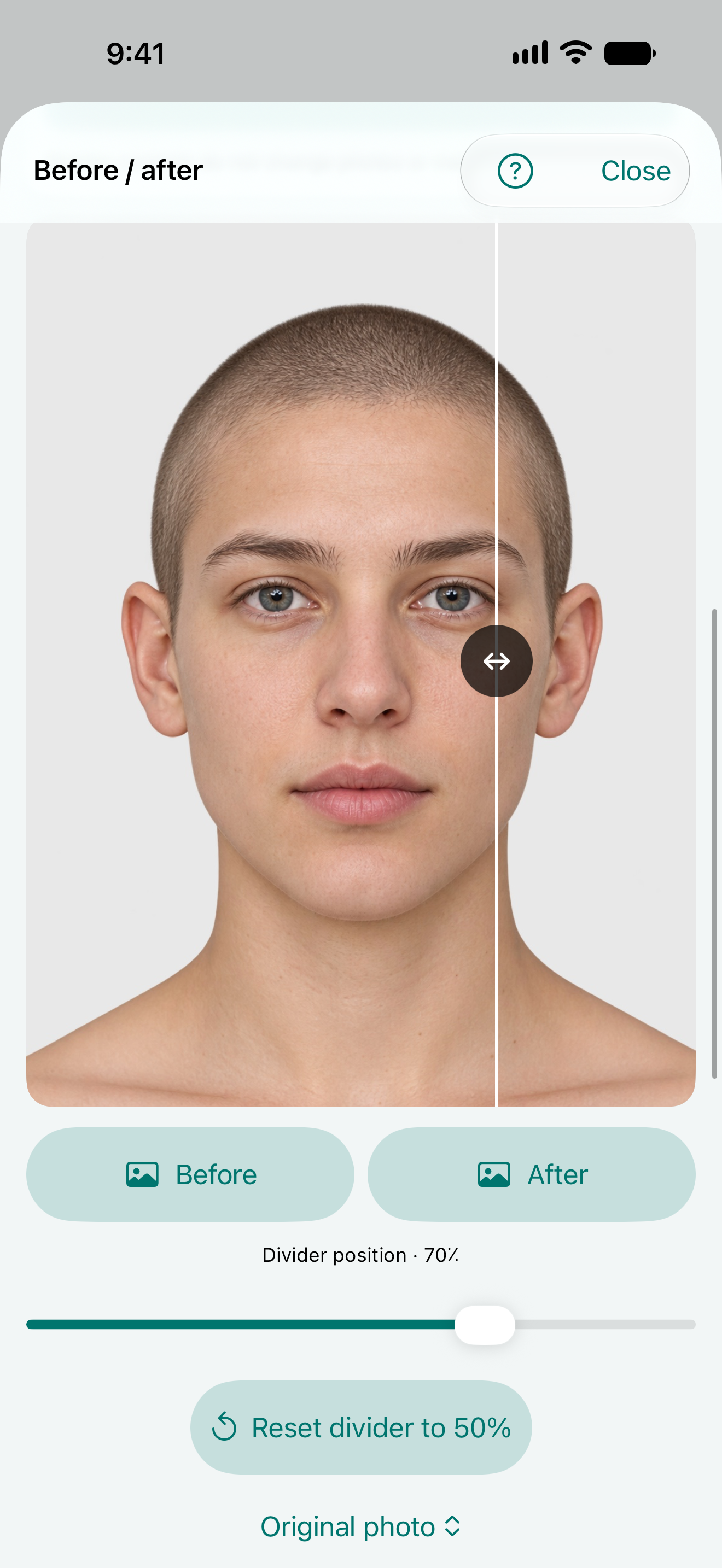
Names and dates inside these screens belong to synthetic test fixtures. Other experimental entries visible here are outside this demonstration.
NikoFrame is a practical aid for everyday documentation when professional equipment is not at hand. It uses compatible phone cameras and guidance; it does not replace professional medical photography or guarantee equivalent quality. Choose equipment for the purpose and accuracy required.
NikoFrame Cloud
NikoFrame Cloud is being prepared. Registration and public use are not active.
Explore features and resources